Articles
Verify a Citation Before You Use It
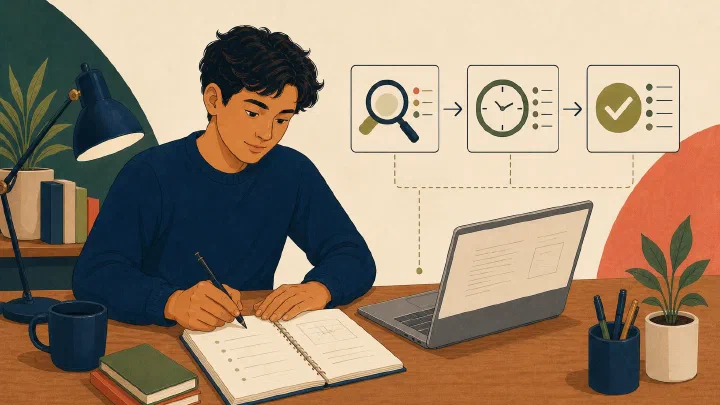
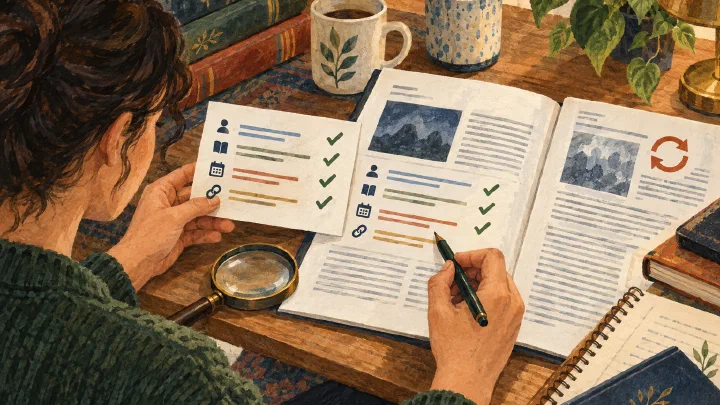
Resolve one reference to a matching work, record the version, and distinguish identity from content verification.
 Work You Can Explain
Practical AI, computing, and learning for students
Work You Can Explain
Practical AI, computing, and learning for students
section
Focused guides that turn computing tools into understandable, reusable student workflows.
Articles
Resolve one reference to a matching work, record the version, and distinguish identity from content verification.
Articles
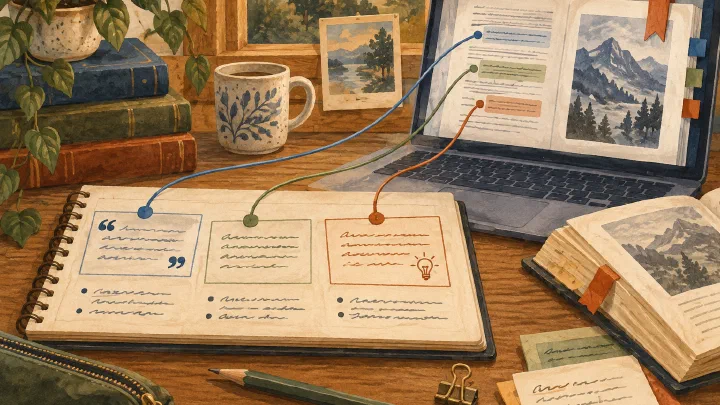
Reopen one source passage from a saved note and identify which text is quotation, paraphrase, or personal inference.
Articles
Locate one original source and identify the section needed to investigate a research question.
Articles
Revise one overbroad sentence and attach a precise source location and remaining limitation.
Articles
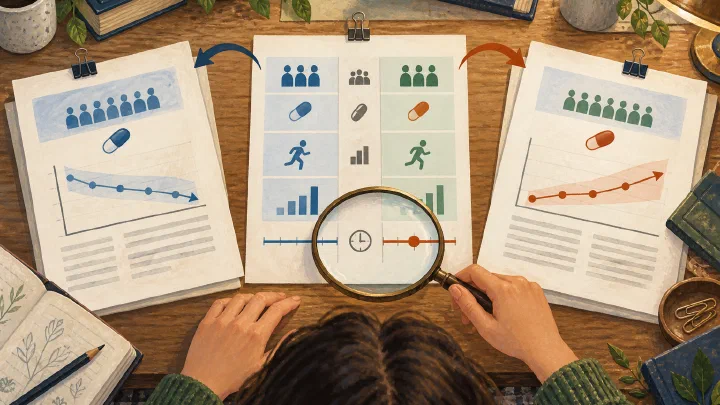
Write a comparison paragraph that identifies comparable conditions and leaves unresolved disagreement explicit.
Articles
Give an AI coding agent a clear outcome, exact scope, authority boundary, success criteria, and evidence requirements for one reviewable change.
Articles
Reduce an AI request to the minimum permitted evidence, replace real values when possible, and stop when sanitization cannot protect the material.
Articles
Close the chat and test whether you can explain, reproduce, transfer, and verify the method you used with AI assistance.
Articles
Decide whether a class, deadline, study session, or assignment belongs on a calendar, in a task list, or in both without duplicating the whole plan.
Articles
Use LMS alerts, clarify conflicting dates or instructions, and preserve simple evidence when a surprise course change causes a problem.
Articles
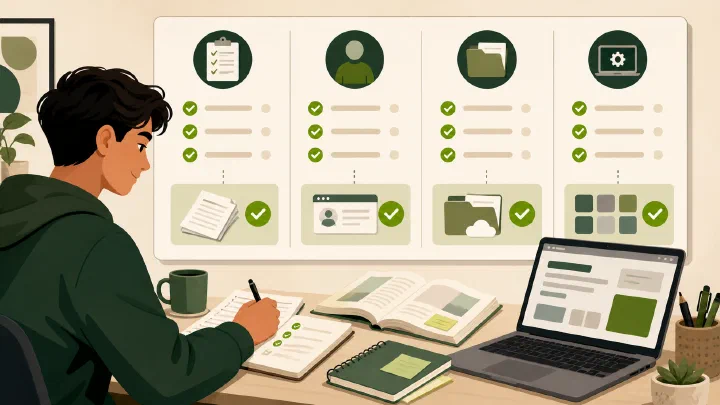
Verify course access, source files, required tools, submission paths, and recovery contacts before a new term begins.
Articles
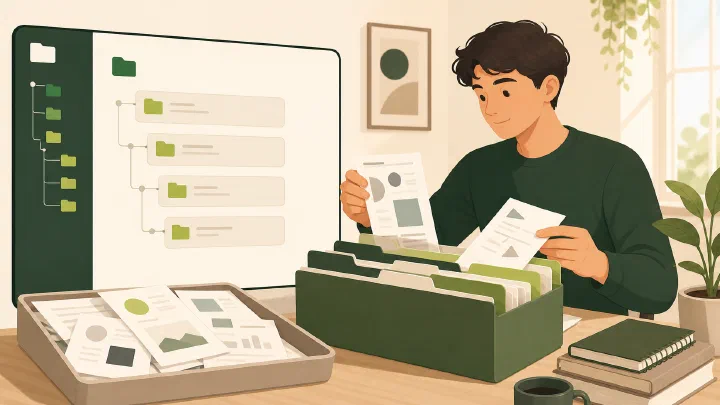
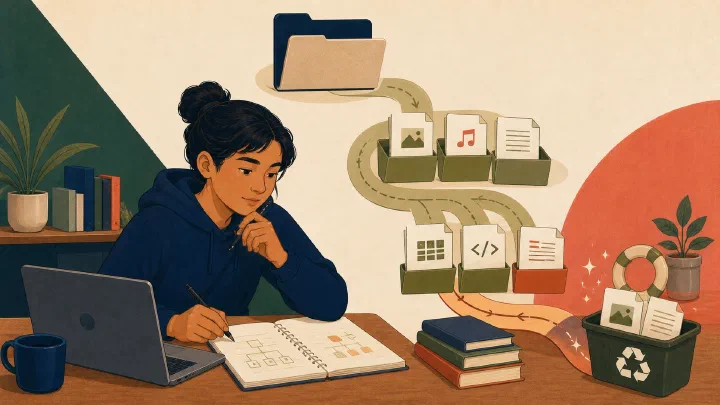
Route one course's downloads, notes, assignments, and source files into a small workspace without losing context or creating duplicate copies.
Articles
Use interpreters to discover questions, builders to find firsthand context, and primary evidence to reach a bounded conclusion about an AI claim.
Articles
Turn course information from a syllabus or LMS into a source-linked plain-text register of milestones, hard rules, open questions, and verification states.
Articles
Create a small Markdown index for one course that connects source files, milestones, current status, open questions, and the next action.
Articles
Turn a verified course milestone list into a small, reviewable reminder flow without duplicating dates across several productivity tools.
Articles
Compare agent skills on a safe task, adapt only what fits your workflow, and keep the source, permissions, and rollback path visible.
Articles
Learn how to inspect local Git history, reflogs, and recovery copies without rewriting the repository before you know which version is correct.
Articles
Turn a technical incident into a small, tested improvement to your files, backups, documentation, or recovery workflow.
Articles
A calm, evidence-first protocol for protecting files, assessing damage, and choosing the next recovery step when student work breaks near a deadline.
Articles
Write a short, honest, evidence-backed message when a technical problem may affect an assignment, deadline, or submission.
Articles
Build a 6-folder lifecycle college Obsidian vault for durable personal records, event chronologies, and AI-assisted knowledge management.
Articles
Evaluate which parts of an AI-supported mastery model merit a bounded school pilot without treating one private school as proof for an education system.
Articles
Combine a reusable Notion template, external-agent access, built-in Notion AI, and export while keeping permissions and review explicit.
Articles
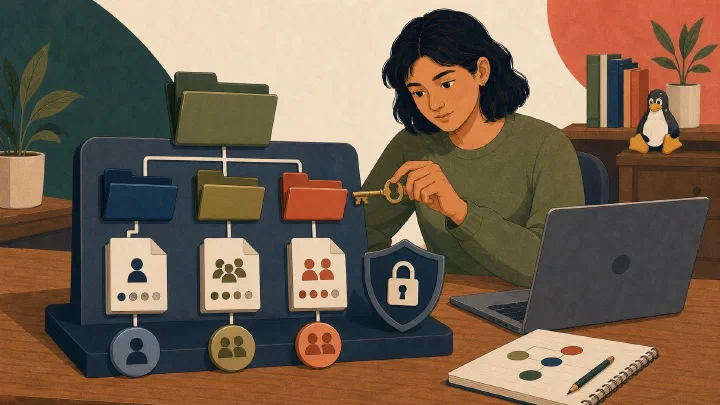
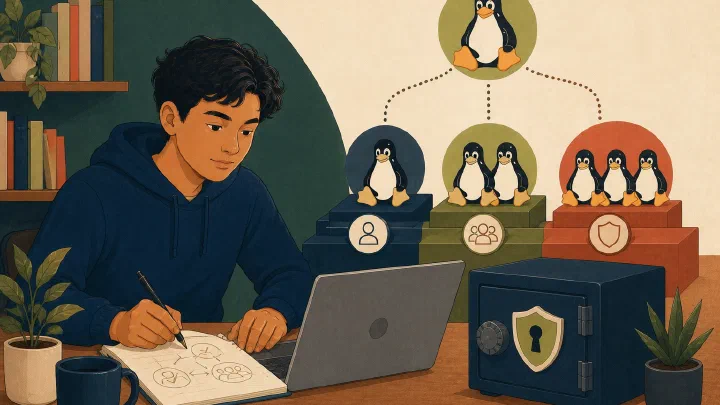
Read Linux ownership and mode bits, explain directory permissions, and practice least-privilege changes in a disposable folder.
Articles
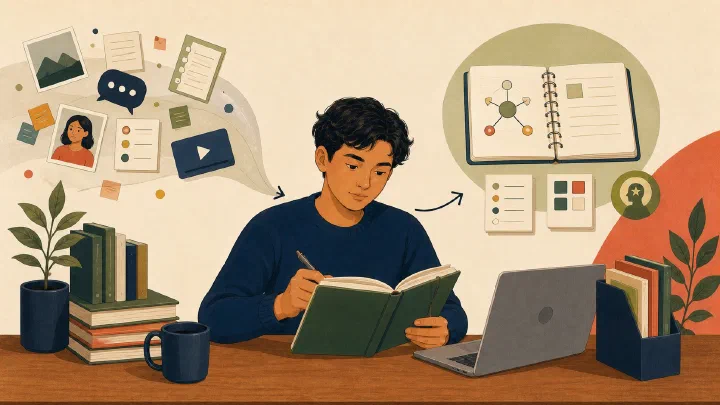
Process scattered daily captures into a chronological journal, durable learning, verified claims, and correctly routed actions.
Articles
Inspect Linux identities, separate daily work from administrative elevation, and verify sudo access without weakening account security.
Articles
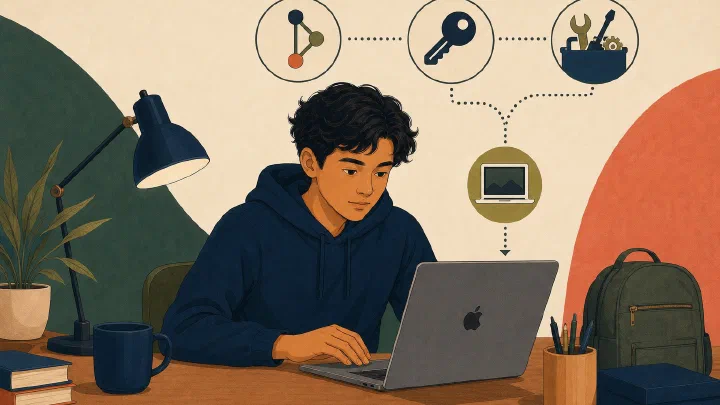
Build the smallest macOS development environment required by one course, with verified Git identity, optional SSH authentication, and isolated project dependencies.
Articles
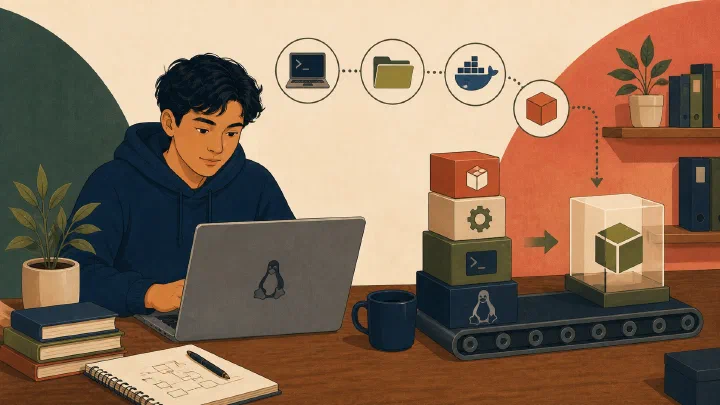
Build one course-bounded Linux development environment with verified Git identity, host-specific SSH access, required runtimes, and a reproducible project check.
Articles
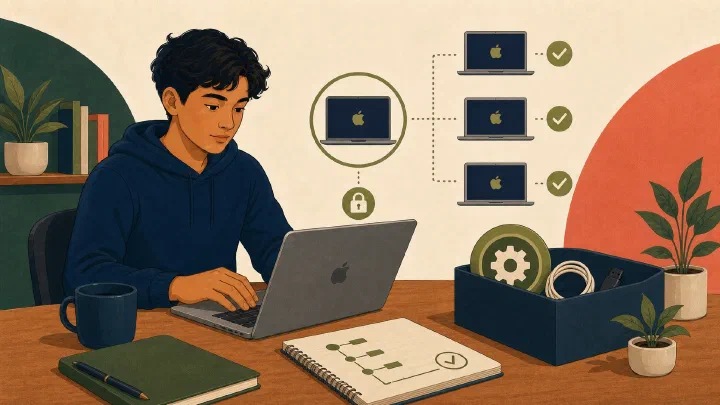
Establish Mac ownership, account roles, FileVault recovery access, software updates, and a safe starting record before installing course tools.
Articles
Prepare and rehearse a layered Linux recovery plan without modifying the installed system, then define stop conditions for real repair or reinstallation.
Articles
Rehearse Mac recovery without erasing the device by verifying accounts, FileVault access, backups, project restoration, setup artifacts, management, and macOS Recovery boundaries.
Articles
Learn how the macOS Terminal application, zsh shell, prompt, current directory, command path, help, and exit status fit together.
Articles
Identify the Linux terminal and shell, navigate paths, quote arguments safely, use local help, and verify command results.
Articles
Evaluate a computer science degree by its curriculum, learning support, cost, alternatives, and evidence—not by broad predictions about AI.
Articles
Choose one responsible installer and updater for each Mac app or command-line tool, then install and verify one approved item.
Articles
Decide whether a Mac needs Apple's standalone Command Line Tools or full Xcode, then install and verify the selected developer directory and package version.
Articles
Identify the active Linux package system, inspect one package and transaction, then install or update it with distribution-specific commands and verification.
Articles
Investigate Linux processes, systemd services, and journal entries with read-only commands before attempting a change.
Articles
Adapt to AI coding tools by strengthening specification, context, tests, bounded delegation, diff review, and explanation.
Articles
Select an AI-agent surface by data location, execution continuity, permissions, reviewability, and export—not a product leaderboard.
Articles
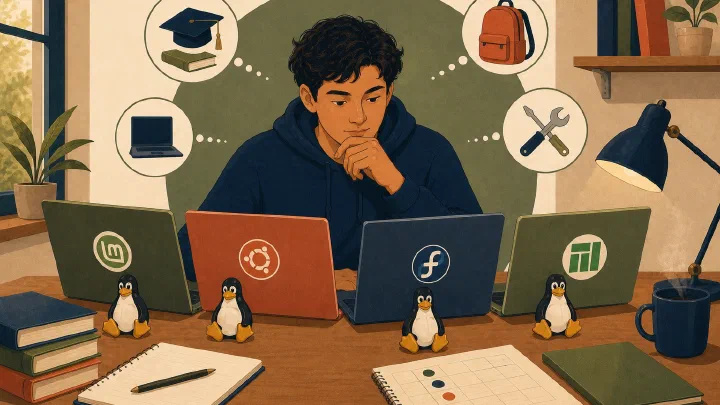
Choose a supported Linux distribution by checking course requirements, hardware, documentation, maintenance, and recovery before installing.
Articles
Record a course-bounded Mac environment with a reviewed Brewfile, documented dotfiles, safe bootstrap steps, and read-only verification.
Articles
Create and test a secret-free Ubuntu 26.04 LTS setup repository with a curated package manifest, selected configuration, bootstrap steps, and read-only verification.
Articles
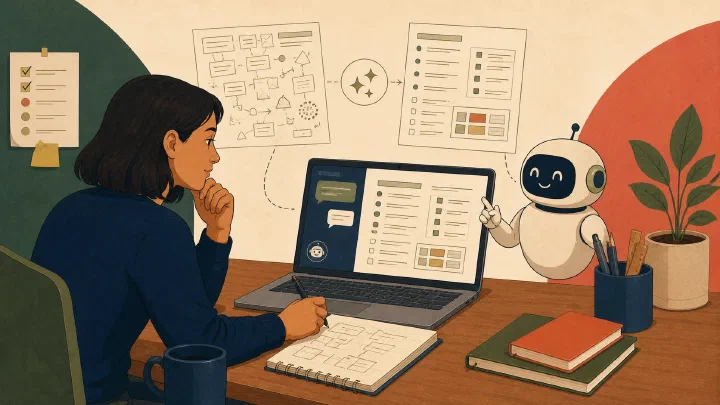
Turn a long template into a guided chatbot interview, answer one question at a time, and export a complete record without invented information.
Articles
Practice broad foundations, initiative, and mental robustness through a semester plan with observable work and review.
Articles
Use prose, structured documents, schemas, and code to expose assumptions and make parts of AI-assisted work mechanically checkable.
Articles
Improve a personal agent skill from observed work, selectively adapt attributed ideas from a shared skill, and keep only revisions that pass fresh-task tests.
Articles
Build a scheduled, low-noise routine that turns relevant AI updates into verified decisions instead of continuous news consumption.
Articles
Decide whether to deepen, operate, monitor, or ignore an AI tool using transferability, evidence, switching cost, and a bounded trial.
Articles
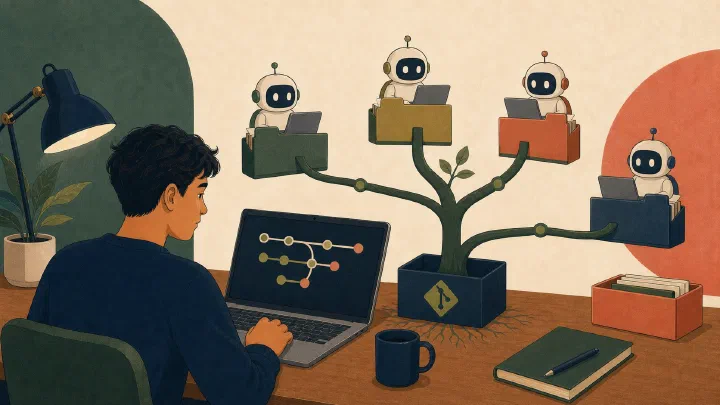
Isolate parallel AI-agent tasks in linked Git worktrees, then review and integrate each result deliberately.
Articles
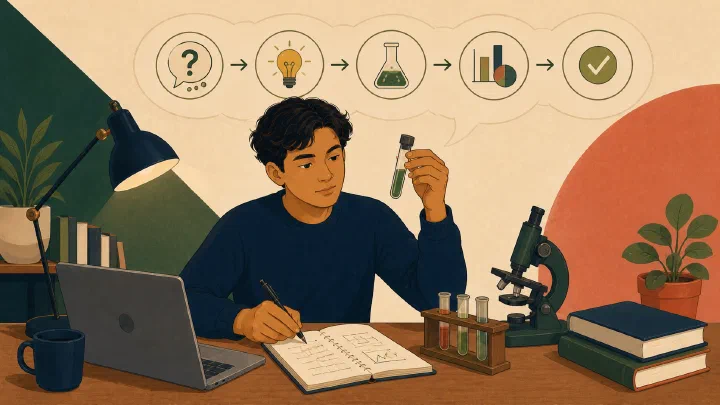
Turn one AI-generated claim into a proportionate test with explicit assumptions, independent evidence, and a bounded conclusion.
Articles
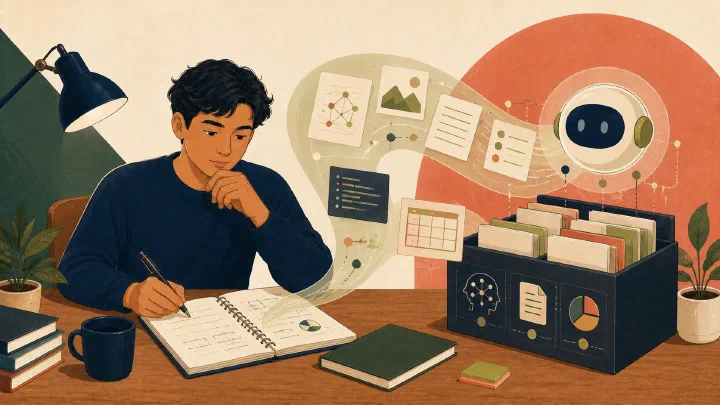
Use AI for a bounded, reversible knowledge-base maintenance pass while preserving privacy, context, links, and student control.
Articles
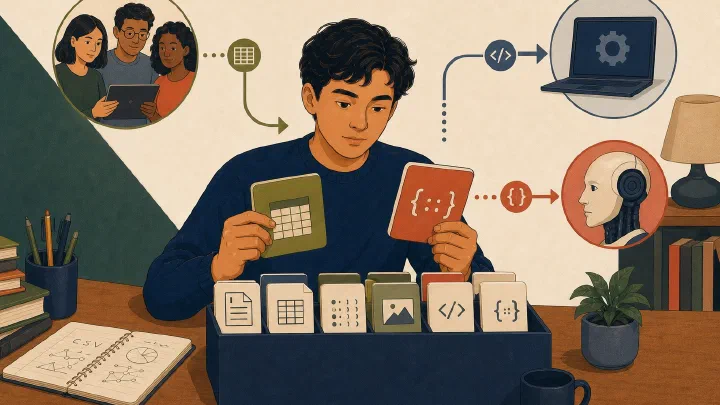
Choose Markdown, JSON, XML, YAML, CSV, or prose from the interface requirements of people, software, and LLM workflows.
Articles
Create and resolve a controlled Git merge conflict in a disposable repository so the real event is understandable.
Articles
Test one small file restoration, verify its contents, and document the evidence needed for future recovery.
Articles
Give a classmate, instructor, maintainer, or AI enough safe evidence to reproduce and investigate a failure.
Articles
Learn how Windows Terminal profiles, PowerShell prompts, cmdlets, parameters, and built-in help fit together.
Articles
Read Windows paths, distinguish full and relative locations, and show file extensions and hidden items safely.
Articles
See how visible characters and lines let Git, command-line tools, and AI-assisted workflows share one inspectable interface.
Articles
Use demonstrated problems, outcome tests, time limits, and stop rules to keep tool maintenance from replacing student work.
Articles
Recognize group work that benefits from shared database pages, filtered views, comments, and explicit permissions.
Articles
Distinguish capture, course, concept, project, and reflection notes so each note has a clear job and lifecycle.
Articles
Recognize plain-text files and understand when their portability, searchability, and simple structure help student work.
Articles
Build a correct mental model of the Git repository, working tree, staging area, and committed history.
Articles
Assign one canonical responsibility to personal notes, shared coordination, technical source, and required deliverables.
Articles
Use hints, questions, layered explanations, practice, and feedback to keep AI-assisted work centered on learning.
Articles
Record durable repository conventions, commands, scope, and review expectations while keeping one-time requests in the prompt.
Articles
Inspect available WinGet upgrades, update one approved package intentionally, and verify behavior and recovery.
Articles
Recognize seven useful CLI tools and build a learning queue driven by real course and project needs.
Articles
Archive course work, test recovery, review tools, update setup documentation, preserve repeated work, and select portfolio evidence.
Articles
Turn an AI-assisted result into a verified asset that works independently of the original conversation.
Articles
Design a small meaningful test set covering normal behavior, important boundaries, and invalid inputs.
Articles
Learn the vocabulary that separates the terminal window, the shell interpreting input, and the commands doing the work.
Articles
Practice navigation, listing, reading, creating, copying, moving, searching, processes, pipelines, and help in a safe folder.
Articles
Build a three-layer protection plan by separating file synchronization, version history, and recovery copies.
Articles
Build a predictable filename convention and know when filenames, document history, or Git should manage revisions.
Articles
Learn which project files must be preserved, which can be regenerated, and how that distinction guides Git and backup decisions.
Articles
Choose the smallest reuse level that fits understanding, human judgment, deterministic work, project guidance, or agentic interpretation.
Articles
Practice seven portable terminal concepts that make command-line work understandable across operating systems.
Articles
Establish Windows account ownership, daily privileges, Windows Hello, updates, recovery, and institution-management boundaries.
Articles
Rehearse Windows recovery safely with backups, manifests, setup documentation, and project repositories before any destructive reset.
Articles
Use inspection, checkpoints, small steps, least privilege, verification, and rollback to make technical changes safer.
Articles
Understand standard input, output, error, pipes, and safe output redirection before learning shell-specific syntax.
Articles
Recognize repeated multi-step agent work that belongs in a tested skill with instructions, references, scripts, and a defined output.
Articles
Work from the project root so source, configuration, dependencies, tests, documentation, and terminal commands stay in context.
Articles
Choose a note system by testing ownership, collaboration, offline, structure, and export requirements.
Articles
Evaluate every segment, target, privilege, network action, and secret exposure before running an unfamiliar command.
Articles
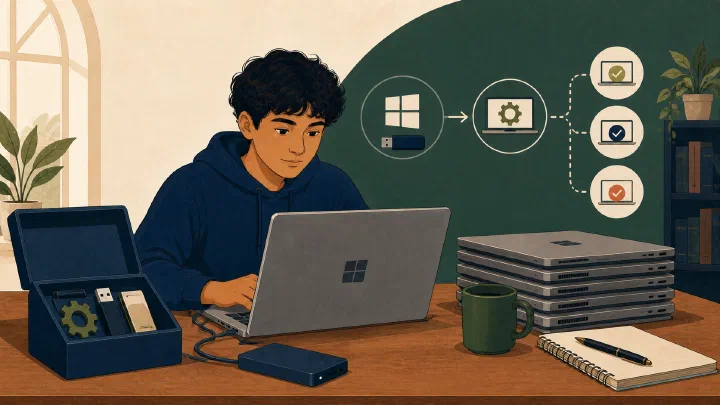
Choose native Windows or WSL from course expectations, toolchain, filesystem ownership, editor integration, and support constraints.
Articles
Choose Markdown, Word, or PDF based on editing, review, layout, conversion, and delivery requirements.
Articles
Learn the small set of Markdown syntax needed to write and verify a useful first README.
Articles
Use a command-discovery checklist to find local help, read usage notation, and verify unfamiliar options.
Articles
Search, inspect, install, list, and verify one approved Windows developer tool by exact WinGet package ID.
Articles
Build a course-compatible programming environment without adding conflicting global tools or undocumented dependencies.
Articles
Use read-only inspection, one small change, and an after-state check to make command-line work understandable.
Articles
Review generated code line by line for requirements, assumptions, dependencies, tests, security, scope, and explainability.
Articles
Create a small verified Git checkpoint with one logical change and a descriptive message.
Articles
Understand how GitHub adds remotes, issues, pull requests, review, access, and project context around Git repositories.
Articles
Build a clear filesystem model by locating the same file in a graphical file manager and a terminal.
Articles
Learn the major parts of a programming toolchain, including Git when a course uses it, and identify which component owns a problem.
Articles
Capture a successful AI-assisted task as a durable record of the problem, reasoning, commands, risks, and verification.
Articles
Write observable success criteria for scope, behavior, tests, documentation, and delivery before beginning a project.
Articles
Debug with a reproducible cycle of observation, reduction, hypothesis, experiment, and verification.
Articles
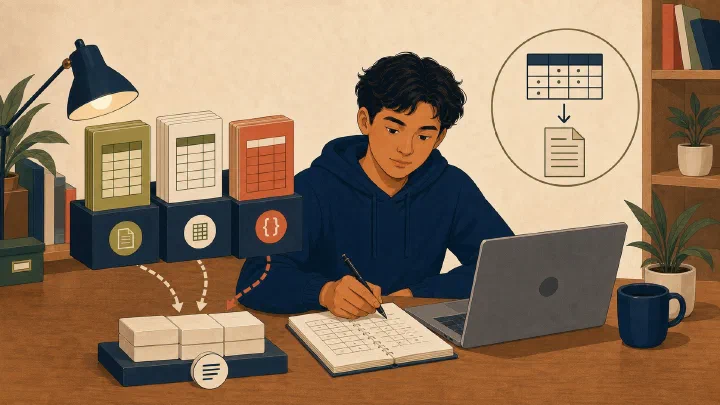
Choose CSV, a spreadsheet, or code based on exchange, interactive analysis, presentation, and repeatable transformation needs.
Articles
Present a few projects through their problems, decisions, implementation, tests, evidence, credits, and honest reflection.
Articles
Record Windows packages, configuration, setup steps, and verification in a versioned, secret-free environment repository.
Articles
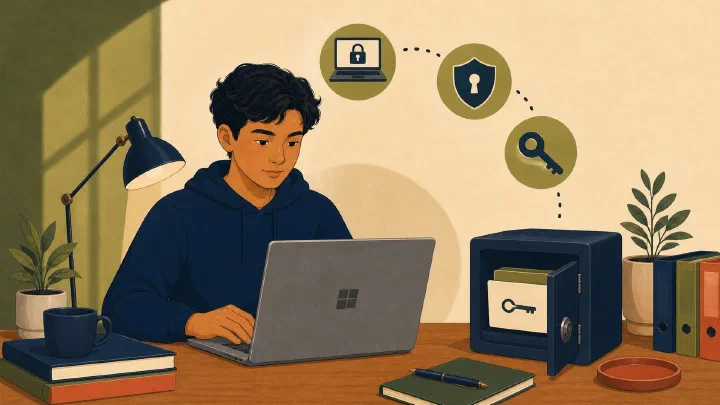
Verify Windows drive encryption, recovery-key custody, edition differences, and non-destructive recovery access.
Articles
Use a known–unknown–attempt record to preserve independent reasoning and ask AI a focused, verifiable question.
Articles
Turn a stable manual workflow into documented, verified automation with monitoring and a recovery path.
Articles
Replace repeated prompts with tested code when inputs, outputs, operations, and failures can be defined explicitly.
Articles
Build a permitted minimal reproduction and ask AI for hypotheses and investigative steps instead of replacement code.
Articles
Recognize invented citations and APIs, sample-only code, hidden assumptions, and unnecessary complexity in AI output.
Articles
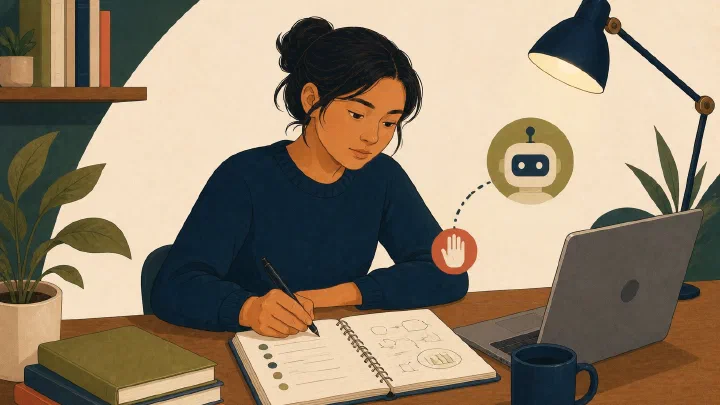
Translate course-specific AI rules into clear boundaries for tutoring, substitution, disclosure, privacy, and published solutions.
Articles
Use a fifteen-minute capture, clarify, connect, and archive routine to keep student notes useful.
Articles
Organize source, tests, documentation, scripts, and examples in a small project skeleton that makes expected work easy to find.
Articles
Write a project README that explains purpose, requirements, installation, running, testing, and verification.
Articles
Use a small set of prompt patterns for hints, investigation, explanation, tests, reasoning review, quizzes, and manual verification.
Articles
Create a simple academic folder structure organized by year, term, and course without adding unnecessary complexity.
Articles
Use an understand–plan–change–run–test–checkpoint loop that works with Git or a course's required submission method.
Articles
Inspect untracked, modified, staged, and unstaged changes before committing or accepting an AI edit.
Articles
Define outcomes, constraints, non-goals, ownership, and evidence before selecting applications or configurations.
Articles
Define student, parent, and mentor roles that turn computer setup and troubleshooting into transferable skills.
Articles
Use three practical principles to make student computing work visible, portable, and easier to repeat.
Articles
Begin with one working-log entry, then add four practical computing practices when they support a current need.
Articles
Create a chronological record that makes setup, troubleshooting, and AI-assisted work easier to understand and verify.
Articles
Evaluate tools by the outcomes they support, the complexity they add, and the student's ability to maintain and recover the system.