
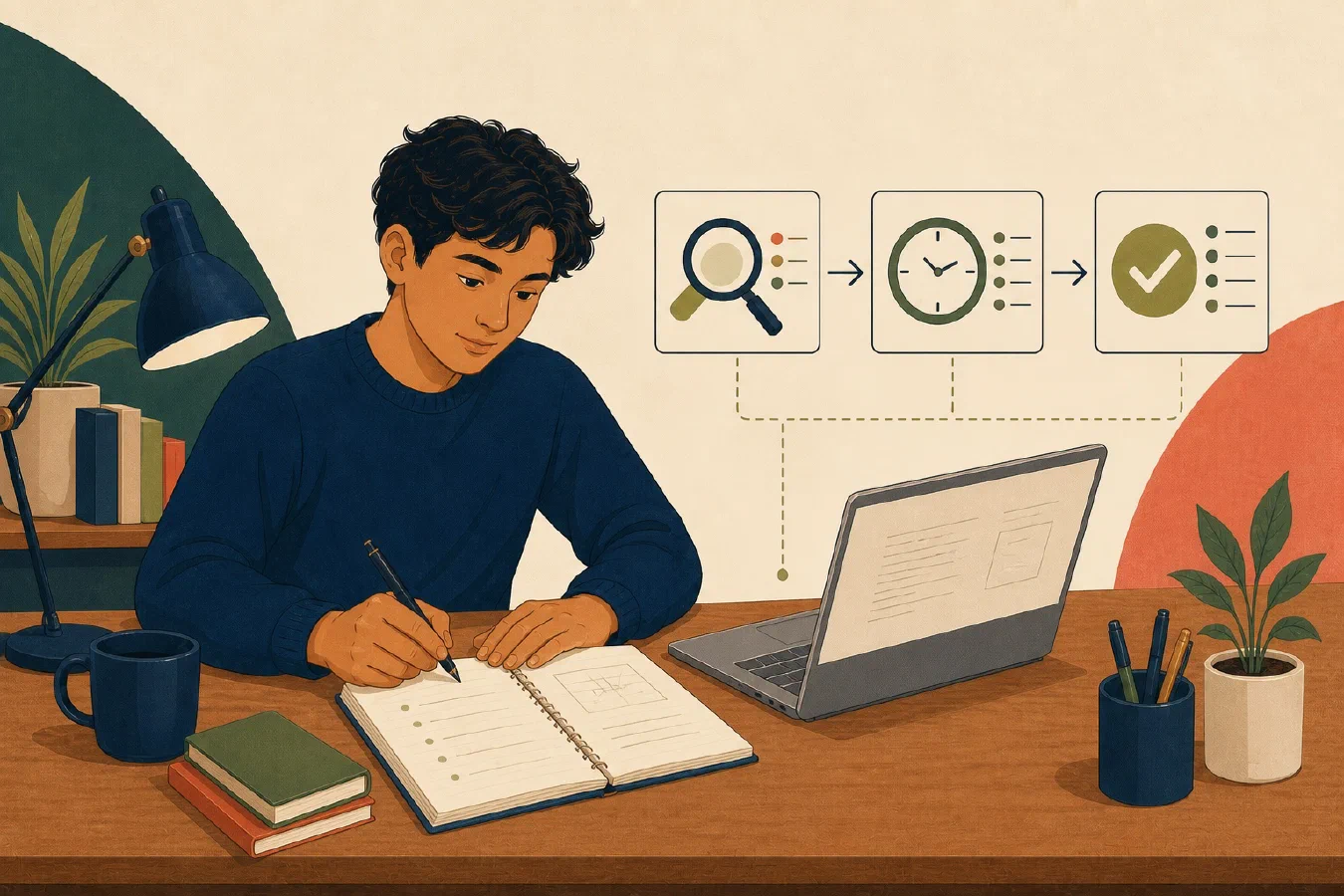
You install a program, change two settings, copy a command from an AI assistant, and finally get an assignment to run. A week later, the same project fails. You remember the general idea, but not the directory, command, error, or setting that mattered.
This is normal. Human memory is not a reliable record of technical work. Start a working log before you change the computer. Your first entry can be one short paragraph. Add more structure only when the work produces details worth preserving.
A working log is external memory
A working log is a chronological record of what you tried, observed, decided, and verified. It preserves the path to a result, including failed attempts.
It is different from polished notes:
| Working log | Polished documentation |
|---|---|
| Records events in order | Organizes the final explanation |
| Includes errors and uncertain ideas | Keeps confirmed information |
| Helps reconstruct what happened | Helps repeat the correct process |
| Grows by appending entries | Is revised for clarity |
You need both. The log preserves evidence. Later, you can promote a confirmed result into a README, checklist, script, test, or course note.
A semester of entries makes growth visible
Keep the log across the semester. When you look back, it can show what you attempted, learned, corrected, and completed—not only the final result. That record makes progress concrete when a difficult course or project makes it easy to overlook how much you can now do and explain.
This is not a reason to turn the log into a personal diary. Keep recording the technical work, decisions, evidence, and next steps that will help you understand the work later. At semester end, use the entries to identify work worth archiving, reusing, or presenting in a portfolio.
Terminal history is not enough. It may show commands, but usually omits the objective, current directory, important output, reasoning, file changes, and verification. AI chat history has similar limits. It records a conversation, not the complete state of your computer.
Start with one short paragraph
Create working-log.md in the folder that contains the related work. It is a
plain-text file. Ordinary sentences are valid Markdown, so you do not need to
learn formatting syntax before you begin.
The downloadable template uses one Markdown heading and otherwise ordinary
sentences. If .md files or the # heading marker are new to you, read the
five-minute Markdown quick start
before opening the template. You can return here without completing the full
30-minute exercise.
Write the date and time, then describe the session in a few natural sentences. For example:
2026-08-24 14:30 — I wanted to run hello.py using the Python version required by CS 101. I ran it from the course folder, and it printed “Hello, CS 101” without an error, so the exercise is verified. Next I will read the submission instructions.
This paragraph records four useful ideas without turning them into a form:
- what you wanted to do;
- what you tried and observed;
- how you checked the result; and
- what you will do next.
Use ordinary wording. The entry does not need to sound polished. If something is unknown, say that it is unknown. If the result is not verified, record the unresolved question instead of inventing a conclusion.
You can copy the paragraph-first working log template. Stop after the short paragraph when it is enough to reconstruct the session.
Add detail only when it helps
A difficult session may need more than one paragraph. Let the entry grow in response to the work rather than starting every session with a large blank structure.
Preserve exact commands and errors when literal text matters
Record a command when its spelling, arguments, or working directory may explain the result. Keep a complete useful error when paraphrasing could hide evidence. For example:
Directory: College/2026-Fall/CS101/week-01
Command: python3 --version
Observed output: Python 3.13.5
Do not paste hundreds of lines without explanation. Save large output in a separate file and link to it. Keep the lines that support your conclusion.
Record a decision when it changes later work
An observation reports what happened. A decision states what you will do and why. Add the decision to the paragraph or on a new line when someone may need the reason later: “I will open the course folder before running course commands because this keeps relative file paths predictable.”
Routine observations do not need a separate decision section.
Record material AI assistance
You do not need to copy an entire conversation. Record AI assistance when it changes your approach, code, configuration, or conclusion: “Codex suggested checking the current directory before changing Python. I confirmed that I was in the wrong folder and did not change the Python installation.”
The student remains responsible for understanding and verifying the result.
Verification can be one sentence
“It worked” is weaker than a recorded check. State what you checked and what you observed. The first example does this in one sentence: running the file from the course folder printed the expected message without an error.
When a result remains uncertain, record the uncertainty and the next check. A working log can say, “The program started, but I have not verified the output file yet. Next I will compare it with the assignment example.”
Keep secrets and private data out
Never record:
- passwords, API keys, access tokens, or session cookies;
- multifactor authentication or recovery codes;
- private student, course, health, or institutional data; or
- complete output that contains confidential information.
If a command includes a secret, record a safe placeholder such as
API_TOKEN=[stored in password manager]. Redact private data from error output
before saving it.
Organize later only when it helps
Keep a routine entry as written when it remains understandable. Use bullets or headings when several attempts, errors, or decisions make the paragraph hard to scan. Structure is a response to complexity, not an entry requirement.
AI may help organize an existing entry after capture, but it is optional. Preserve the original until you check the revision. Reject any change that alters a fact, removes uncertainty, or claims verification you did not perform. Do not send private course, institutional, account, or personal data to an unapproved service.
Promote confirmed knowledge
A log should remain chronological. Do not polish away the failed attempts that explain a decision. Move stable conclusions to the right long-term location and link that artifact from the relevant entry. A repeated command may belong in a README or script, required behavior in a test, and a recovery procedure in recovery documentation. If you use Git, add the commit identifier only after committing the work.
Common mistakes
- Turning every entry into a form. Begin with a paragraph and add structure only when it improves the record.
- Logging only after a problem occurs. Start before the first change.
- Recording commands without directories. The same command can behave differently in another location.
- Copying all output. Keep evidence, not noise.
- Writing only successful steps. Failed attempts often explain the final choice.
- Skipping verification. A plausible result is not yet a confirmed result.
- Turning the log into a diary. Record facts and reasoning relevant to the work.
Do this now
- Copy the working log template or create an empty
working-log.mdfile. - Add the date, time, and a short description of one small task.
- Write a few sentences about what you wanted to do, what happened, how you checked it, and what comes next.
- Stop if the paragraph is enough. Add an exact command, error, decision, AI contribution, or artifact link only when it helps explain the session.
Log what you learned
The working-log entry is the learning log. Save the paragraph you just wrote. Do not create another summary unless the session produced a separate durable artifact.
Next, use the same evidence-oriented approach to write a personal system charter.