
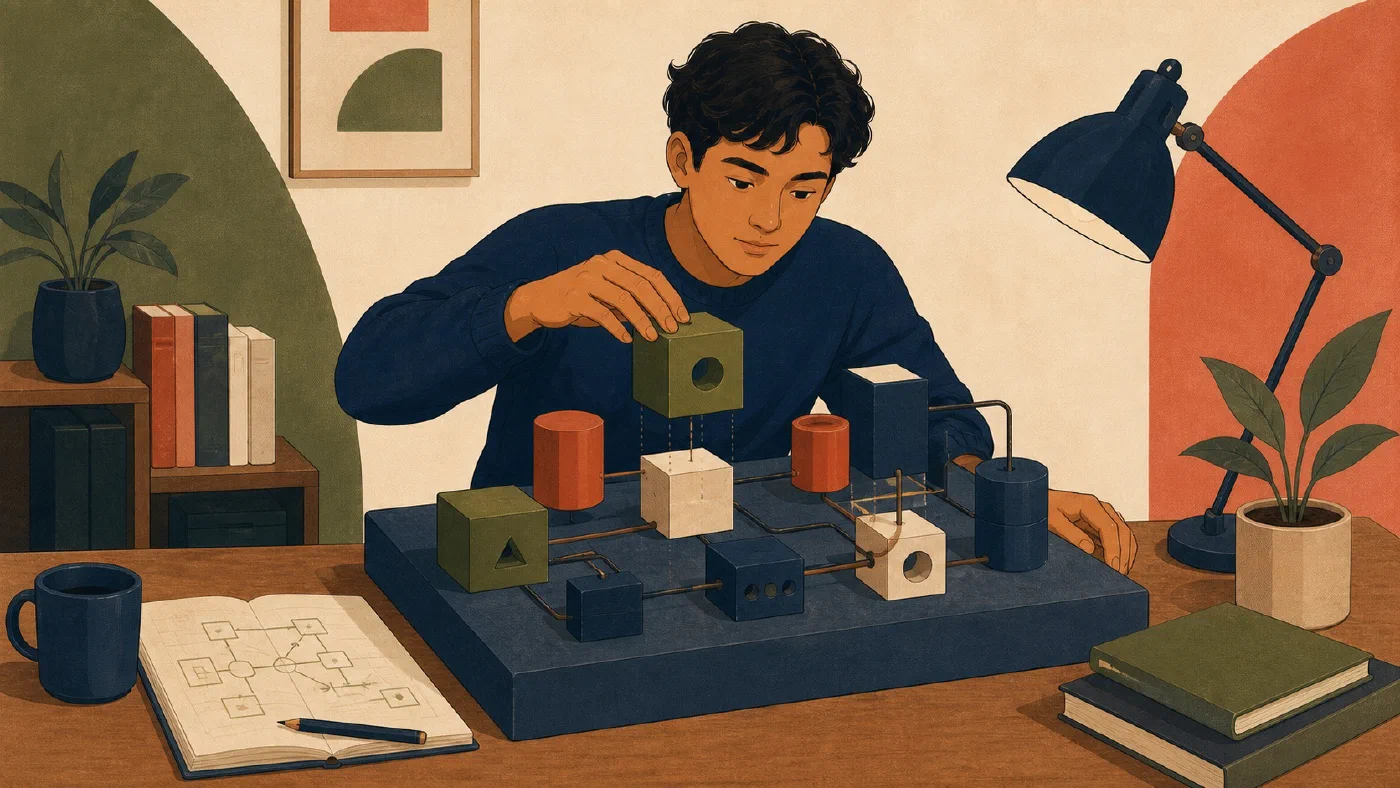
A parent can configure a laptop faster than a student who has never done it. A technical friend can fix an error faster than they can explain it. Those shortcuts solve the immediate problem, but repeated shortcuts create a system the student cannot maintain.
The student should own the system. Parents and mentors should provide safety, structure, and guidance while transferring routine responsibility.
Ownership is demonstrated through action
Paying for a computer or knowing its password does not establish practical ownership. A student owns the system when they can make informed routine decisions, perform common tasks, and recover from ordinary problems.
Ownership includes:
- knowing where important work is stored;
- understanding the purpose of installed tools;
- following written setup and recovery instructions;
- inspecting a problem before changing the system;
- maintaining the working log;
- verifying AI-assisted work; and
- recognizing when a problem requires help.
Independent work does not mean working alone. Professionals consult documentation and colleagues. The important distinction is that the student participates in the reasoning and can explain the resulting system.
Use three roles
The student performs
The student should control the keyboard and complete routine steps. They read instructions, record commands and observations, make decisions within agreed boundaries, and verify results.
The mentor guides
The mentor asks questions, explains unfamiliar concepts, reviews risky steps, and helps design safe experiments. They avoid taking over merely because doing so would be faster.
Useful mentoring questions include:
- What are you trying to accomplish?
- What is the current state?
- What evidence do you have?
- What is the smallest safe next step?
- How will you know whether it worked?
- How would you reverse the change?
The expert handles exceptional risk
Some work should not become a beginner exercise during a deadline. Account recovery, hardware repair, suspected malware, data loss, financial decisions, and institutional security incidents may require an expert or official support channel.
Escalation is part of ownership. The student should learn what information to collect and whom to contact.
Transfer responsibility in stages
Responsibility can move gradually:
- Observe: The mentor demonstrates and explains while the student records.
- Perform with guidance: The student acts while the mentor prompts.
- Perform with review: The student completes the task and presents evidence.
- Perform independently: The student manages the task and asks for help when evidence shows a need.
- Teach back: The student explains the process or improves its documentation.
A task can move backward temporarily when its risk or complexity changes.
Turn troubleshooting into learning
When an error appears, avoid immediately searching for a command to paste. Follow a short diagnostic loop:
- State the expected behavior.
- Capture the exact observed behavior.
- Record the relevant starting state.
- Form one testable hypothesis.
- Run the smallest safe test.
- Compare the result with the hypothesis.
- Decide, verify, and document.
For example, a program reports that it cannot find a file. Installing the language again is a large, weakly related change. Checking the current directory and file path is small and directly tests a likely cause.
The mentor can slow the process down enough for the reasoning to remain visible. The working log preserves that reasoning for the next problem.
Keep a decision log
Technical systems accumulate unexplained choices: a different browser profile, an unusual folder, a disabled setting, or a specific software version. Record important choices in the working log.
### Decision

Use the Python version required by CS 101 rather than installing the newest
release.

### Reason

Course examples and grading use Python 3.13. Matching the documented environment
reduces avoidable differences.

### Review

Reconsider after the course ends or its requirements change.
The student can later distinguish an intentional constraint from forgotten configuration.
Agree on boundaries before a problem
Students, parents, and mentors should decide:
- which tasks the student owns now;
- which changes require discussion first;
- where recovery information is stored;
- what information must remain private;
- when official support or an expert is required; and
- when responsibilities will be reviewed.
Avoid shared passwords. Use appropriate family, recovery, or institutional processes instead of weakening account security.
Example responsibility checklist
| Task | Student | Mentor or expert |
|---|---|---|
| Organize course files | Performs and documents | Reviews initial convention |
| Install course software | Performs from official instructions | Helps assess unfamiliar prompts |
| Routine updates | Performs and verifies | Helps after repeated failure |
| Backup restore test | Performs a safe test | Helps design recovery plan |
| Account recovery | Provides required information | Uses official recovery process |
| Hardware or malware incident | Records symptoms and stops risky changes | Handles or escalates |
The exact division depends on the student’s experience. The direction should be toward greater informed responsibility.
Common mistakes
- Taking over the keyboard. Let the student perform the next safe step.
- Giving commands without explanations. Connect actions to the current evidence.
- Treating every error as urgent. Preserve time to inspect when no data or deadline is at risk.
- Expecting independence without documentation. Build checklists and recovery notes.
- Hiding administrative work. Explain why elevated access is exceptional.
- Treating help as failure. Good escalation protects data and produces better evidence.
Do this now
Complete the student ownership agreement with a parent, mentor, or yourself. Begin with one responsibility. State who owns each part, what evidence will demonstrate independence, and one escalation condition. Add another responsibility only as the student is ready to assume it.
The template keeps troubleshooting, privacy, and security boundaries as reference guidance rather than blank fields. If several people need to supply answers, use the optional guided chatbot method for collecting answers without inventing them. Complete the interview with the people whose responsibilities the agreement records.
Log what you learned
The ownership agreement is the learning log. Save the first responsibility, evidence, escalation condition, and next review date in that record.
Next, connect these responsibilities to a terminal-first, text-first, and reusable-by-default approach.