
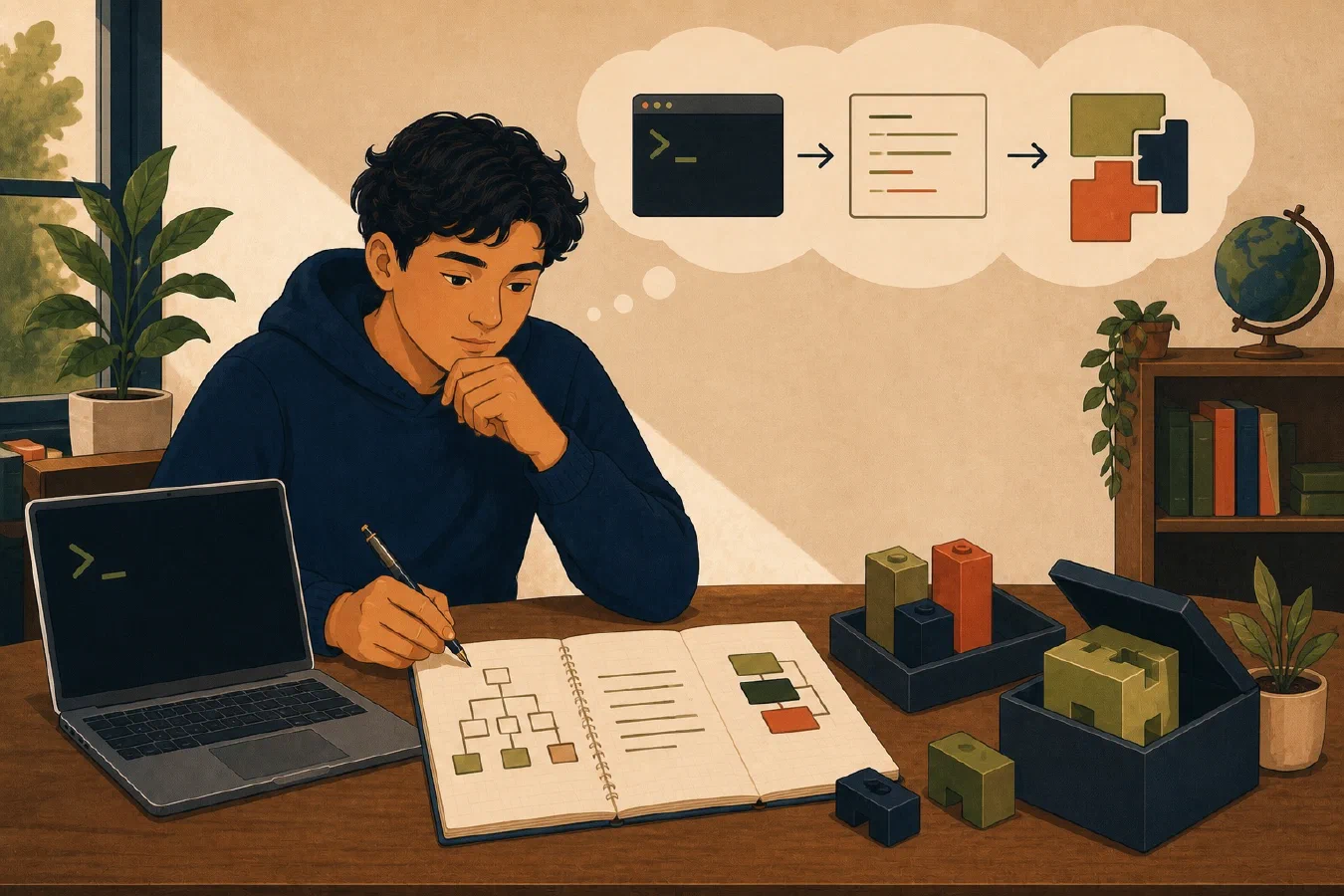
Student computing includes many separate activities: organizing files, writing papers, programming, taking notes, using AI, and recovering from mistakes. Three principles provide a consistent direction across those activities: terminal-first, text-first, and reusable-by-default.
These are preferences, not absolute rules. Each principle makes important work more visible and easier to understand.
Terminal-first makes operations visible
A terminal accepts text commands and displays text output. It exposes details that graphical interfaces often hide:
- the current directory;
- exact file paths;
- command options;
- tool versions;
- output and errors; and
- the sequence of operations.
Commands can be copied into a working log, compared, explained, and later placed in a script.
Terminal-first does not mean terminal-only. A graphical file manager is often better for previewing photographs. A spreadsheet interface is useful for interactive analysis. A browser is required for many university services.
Use the terminal when visibility, precision, repetition, or automation matters. Use a graphical interface when direct manipulation or visual feedback better fits the task.
Example: finding course files
A graphical search may locate one document quickly. A terminal search becomes
valuable when you need a repeatable question such as “find every Markdown file
containing midterm under this course folder.” The command and result can be
recorded and rerun.
The objective is not to replace a simple click with a difficult command. It is to learn a transparent interface for tasks that benefit from it.
Text-first makes information portable
Plain-text formats include Markdown, source code, CSV, JSON, YAML, TOML, and shell scripts. They can be opened by many applications and inspected without the program that created them.
Text is well suited to:
- notes and project documentation;
- program source code;
- configuration;
- small structured datasets;
- checklists and logs; and
- repeatable commands.
Plain text is searchable, comparable line by line, compatible with Git, and accessible to scripts and AI tools.
Text-first does not mean text-only. Use a rich format when the work requires capabilities that plain text does not provide well:
- Word or another word processor for required layout and tracked review;
- a spreadsheet for formulas and interactive tables;
- presentation software for slides;
- image and media formats for visual work; and
- PDF for a final fixed-layout submission.
The useful question is: What should remain the editable source, and what format does the final task require?
A paper may be drafted in Word because the course requires comments and a specific template. Its research log and project checklist can still be Markdown. Text-first guides appropriate parts of the workflow without forcing one format onto every task.
Reusable-by-default preserves successful work
Students repeat more technical work than they expect: setting up projects, converting files, checking submissions, running tests, and solving similar errors.
When a process works:
- verify the result;
- explain why it worked;
- record the confirmed process;
- repeat it manually until the pattern is clear;
- automate it when the repetition justifies the cost; and
- package it for the people and projects that need it.
Reuse can take several forms:
| Repeated need | Reusable form |
|---|---|
| Remember a decision | Note |
| Follow a short process | Checklist |
| Explain project setup | README |
| Enforce expected behavior | Test |
| Repeat exact commands | Script |
| Apply a multi-step AI workflow | Skill |
Reusable-by-default does not mean automate immediately. A premature script can hide a process the student does not understand. Manual performance provides the evidence needed to design correct automation.
The principles reinforce one another
Consider a student who receives an AI-generated command for formatting a programming project.
- Terminal-first: The command and its output are visible.
- Text-first: The configuration and changed source files can be inspected line by line.
- Reusable-by-default: After verification, the command becomes a documented project script.
The next student or future version of the same student does not need to recover the process from chat history.
The full cycle is:
Learn → perform manually → verify → document in text → automate with code → package for reuse → improve through use.
Each arrow should preserve understanding. If an automated step fails, return to the visible command, source text, and verification evidence.
Decide with the job, not the slogan
Use these questions:
Terminal-first
- Would an exact command make the operation clearer or repeatable?
- Do I need to see paths, versions, output, or errors?
- Is the graphical interface safer or more informative for this task?
Text-first
- Does the information need to remain searchable, portable, or comparable?
- Is plain text capable of representing the important content?
- Does the course or collaborator require a rich format?
Reusable-by-default
- Have I verified the process?
- Is the task likely to recur?
- Is a note or checklist sufficient?
- Do I understand it well enough to automate?
Write a personal technology philosophy
A short philosophy converts the principles into your own defaults. Begin with one terminal default, one text default, one reuse default, and one exception. Add a format inventory or process-stage record only when you apply the philosophy to a real workflow.
# My Technology Philosophy

I prefer tools that expose where my files are and let me export my work.

I will learn terminal commands for inspecting files, running programs, testing
code, and using Git. I will still use graphical applications when visual work
or course requirements make them more suitable.

I will keep notes, logs, source code, and repeatable instructions in plain text
when the format fits. I will use Word, spreadsheets, presentations, and PDF
when their capabilities are required.

I will verify useful processes before preserving them as documentation,
checklists, tests, scripts, or skills. I will not automate a process I cannot
explain.
This document should fit within the personal system charter. It should describe useful defaults, not create rigid rules.
Common mistakes
- Using the terminal to prove technical ability. Use it when it improves visibility or repetition.
- Forcing every artifact into Markdown. Match the format to the work.
- Confusing rendered output with editable source. Protect the source needed to make future changes.
- Saving unverified AI output for reuse. Test and understand it first.
- Automating a task performed once. Begin with a note or checklist.
- Building elaborate templates. Preserve only the structure that helps.
Do this now
Copy the personal technology philosophy template. Write one specific default for each principle and one exception.
When a real workflow makes the extended fields relevant, complete them directly or use the optional chatbot-guided template workflow and review the formatted philosophy before saving it.
Log what you learned
The philosophy is the learning log for this exercise. Save the four first-pass statements and link the extended process-stage record after you apply it to a real workflow.
The next planned principle is to prefer reversible changes: inspect first, make small changes, verify the result, and keep a clear rollback path.