
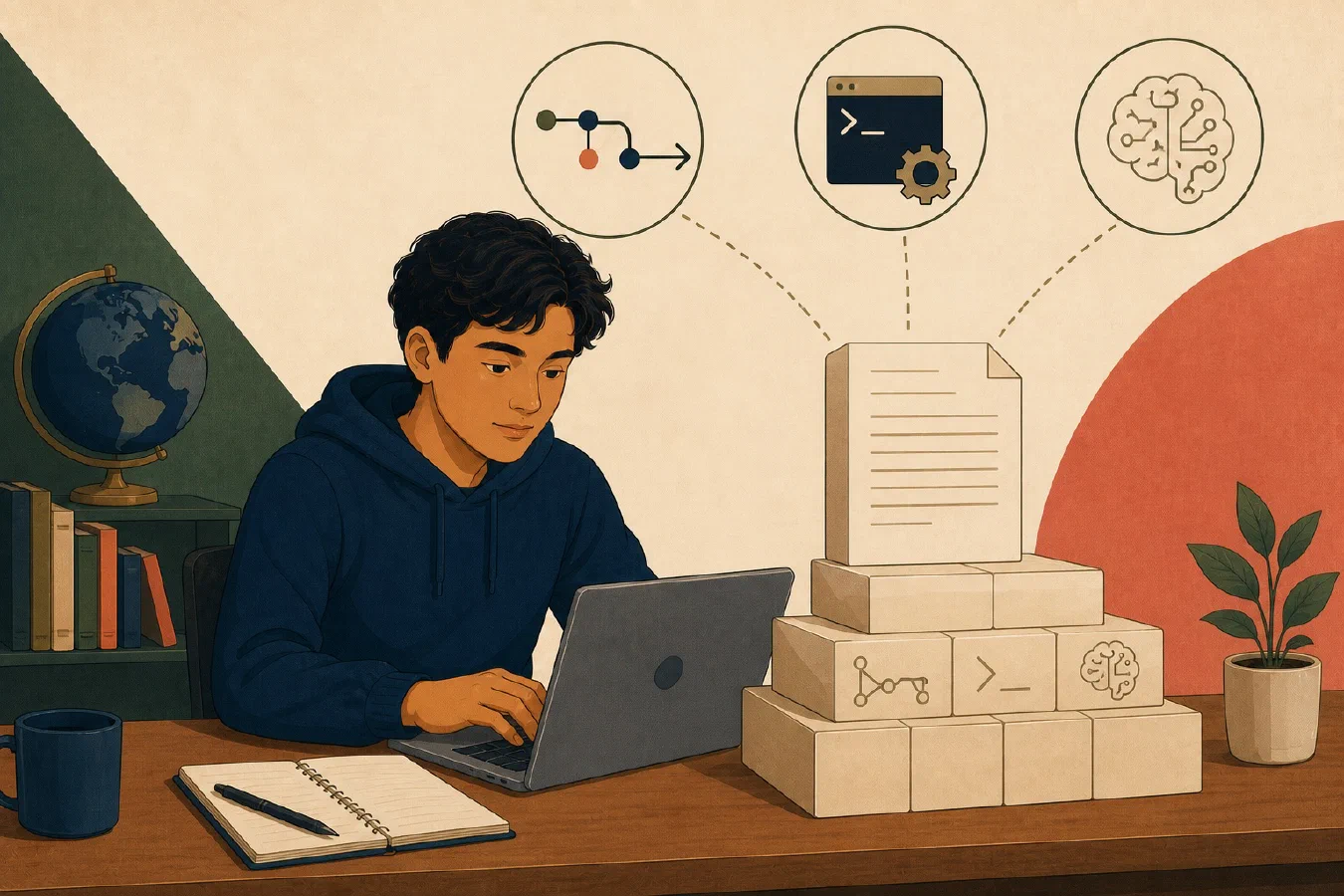
Git, command-line tools, and AI systems perform different jobs, but plain text gives them a common interface. Visible characters and lines can be searched, compared, transformed, copied into a prompt, and reviewed after an edit.
This is a practical advantage, not a claim that text is always best. Text works well when the important information can be represented clearly without hiding its structure inside one application.
Text exposes the content
In a Markdown file, the stored content is readable:
# Study plan

- Review recursion
- Complete practice problems
A text editor, terminal command, Git, or AI tool can inspect the same characters. Rendering may turn the heading and list into styled HTML, but the source remains visible.
By contrast, a rich document may store content, formatting, relationships, embedded media, and application metadata in a more complex representation. That format may be exactly right for tracked review or required layout. It is simply less convenient for many line-oriented tools.
Search operates on content
Text search can answer precise questions across many files:
- Where does this project mention
midterm? - Which configuration contains a particular setting?
- Which notes refer to a source?
- Where is a function or variable used?
Graphical applications also provide search. The difference is that a command-line search can often be recorded, repeated, restricted to a directory, or combined with another operation.
Searchability does not make information true or safe. A text file can contain an outdated instruction, private record, secret token, or plausible falsehood. Search finds matching content; it does not validate it.
Git can show meaningful changes
Git compares versions of files and can present text changes as added and removed
lines. The official git diff documentation (complemented by our guide on git status and git diff)
describes comparisons among files, commits, the index, and the working tree.
That makes a change review concrete:
 - Submit outline on Thursday
 + Submit outline on Wednesday
 + Ask the instructor which citation style is required
You can see the altered deadline and the new action without rereading the whole document. Git can store binary files too, but a normal text diff may not explain what changed inside a complex binary format.
Text is not automatically easy to review. A formatter that rewrites every line can bury one meaningful edit in noise. Generated text can also create large, unhelpful diffs. Keep stable formatting and separate source from generated output.
CLI tools can compose transformations
Many command-line tools (introduced in Terminal, Shell, and Command) accept text input and produce text output. One tool can select lines, another can sort them, and another can save a result. This makes small operations reusable.
Composition has a cost: a compact command can be difficult to understand, and a mistake can affect many files. Inspect inputs first, preview output when possible, quote paths correctly, and test on a practice copy. Preserve a useful command only after you can explain and verify it.
The goal is not to replace every application with a terminal. It is to keep important operations visible when search, repetition, precision, or automation matters.
AI can inspect and propose textual edits
Text can be placed in an AI conversation or supplied through a coding tool without first converting the visible content into a screenshot. An AI system can propose a revised paragraph, configuration entry, test, or code patch. You can then inspect the exact change.
This works best as a reviewable cycle:
- State the task and constraints.
- Provide only the necessary text and context.
- Ask for a proposed change.
- Inspect the difference.
- Run the appropriate check.
- accept, revise, or reject the change; and
- record material assistance when required.
Text does not cause an AI system to understand the project or produce a correct answer. Missing context, ambiguous requirements, and fabricated claims remain possible. Do not provide passwords, private course data, unpublished research, or restricted records to an AI service.
Open format and plain text are related but different
A file can be plain text while using undocumented or tool-specific rules. A format can be openly documented while using binary storage. Plain text improves basic inspectability; an open specification improves the ability of independent tools to interpret the structure.
Prefer documented formats when long-term portability matters. Also preserve the
meaning of the fields, units, encoding, and conventions. A readable CSV is
still ambiguous if no one knows whether 03/04/26 means March 4 or April 3.
Compare two versions yourself
Create study-plan-v1.md:
# Friday study plan

- Review lecture notes
- Finish practice set
Copy it to study-plan-v2.md, then change the second task and add a verification
step:
# Friday study plan

- Review lecture notes
- Finish practice set without notes
- Check answers and record missed concepts
If Git is installed, compare the files even outside a repository:
git diff --no-index study-plan-v1.md study-plan-v2.md
git diff --no-index is a documented mode for comparing two paths. The command
normally returns a nonzero status when differences exist, so some terminals or
automation may label the expected difference as a non-success status.
Read the output. Identify which line changed and which line was added. Then use
your editor or a safe text-search tool to locate missed concepts.
Finally, ask an AI tool to propose one clearer task, using no private information. Apply the edit only if it serves your plan. Compare the versions again and verify that the meaning remains correct.
Common mistakes
- Assuming text is automatically open or portable. Encoding and format rules still matter.
- Treating a clean diff as proof of correctness. A precise change can still be wrong.
- Sending private content to an AI system. Inspect and minimize the supplied context.
- Using a complex command without a preview. Visible text does not make an operation harmless.
- Forcing visual work into text. Images, audio, layout, and interactive analysis often need richer formats.
- Tracking generated text without a reason. Large generated diffs can obscure the source change.
Do this now
Complete the two-file comparison. Explain in one sentence what search, Git, the terminal, and an AI tool can each do with the visible text. Add one limitation for each tool.
Log what you learned
Record only:
- Result: What did the action produce?
- Evidence: What observation, test, or source supports that result?
- Next action or unresolved question: What should happen next?
The next post turns from file content to file location: files, folders, paths, extensions, and the current directory.