
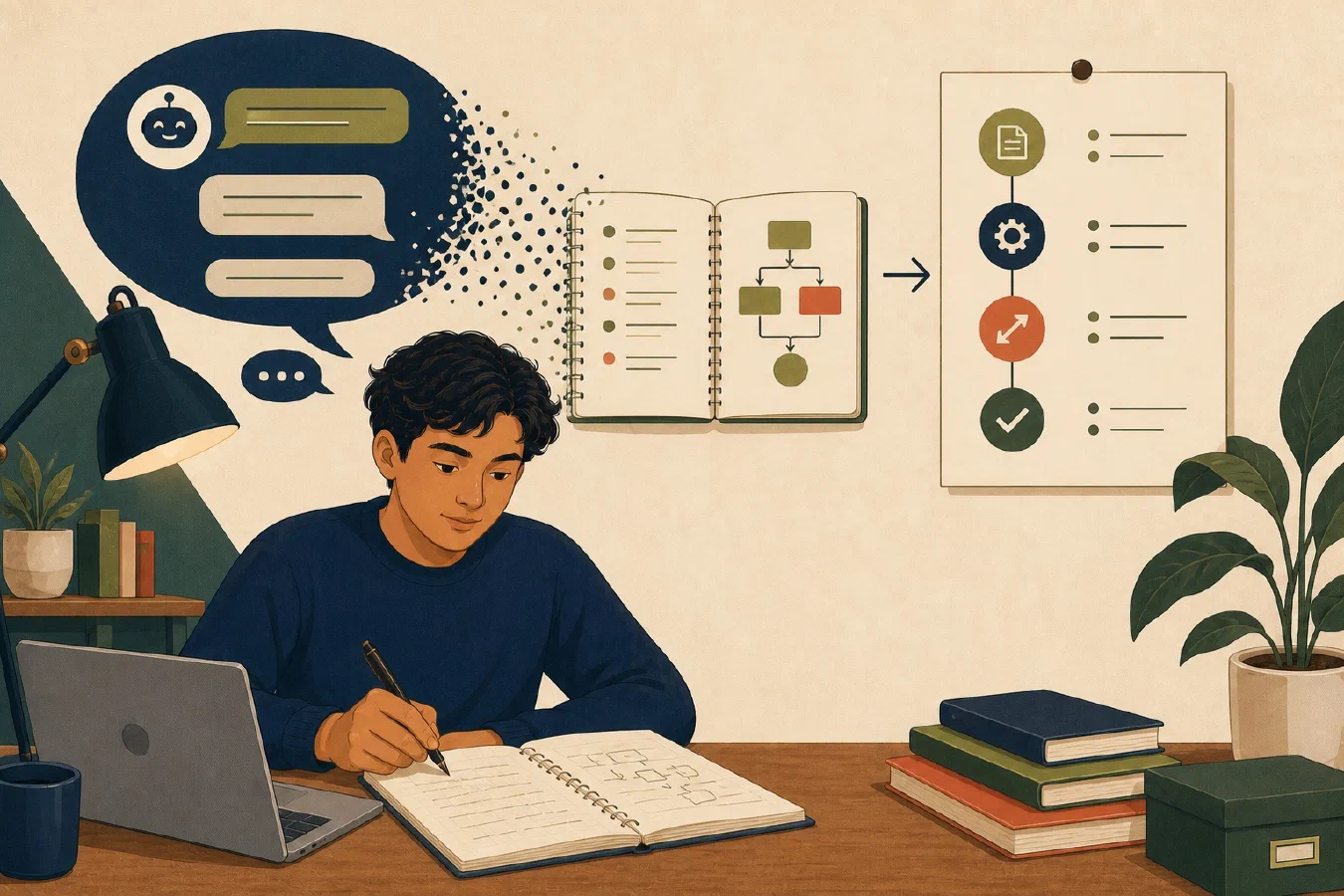
A useful AI conversation is not durable documentation. It may contain false starts, hidden context, private information, and conclusions that only make sense inside the exchange. Capture the verified lesson in your own record.
Record the problem
State the original objective, starting state, constraints, and exact failure or question. Include software versions, current directory, input shape, and error text only when relevant and safe.
Do not begin with “AI fixed it.” A future reader needs the technical problem.
Separate what worked from why
Record:
- the action that produced the result;
- your explanation of why it worked;
- alternative hypotheses rejected;
- assumptions that remain; and
- which parts came materially from AI.
The action and explanation require separate verification. A command can appear to work for the wrong reason.
Preserve commands safely
Copy only the confirmed command, not every failed experiment. Explain:
- required directory;
- placeholders;
- files changed;
- permissions needed;
- expected output; and
- rollback or recovery.
Remove credentials, tokens, private paths, and personal data. Never replace a secret with a vague note after it has already been exposed; follow the relevant revocation process.
Record risks and verification
Name what could go wrong and the check that addresses it:
| Risk | Verification |
|---|---|
| Wrong file changed | Inspect path and diff |
| Command only works with cached state | Repeat from a clean context |
| AI invented an option | Open official documentation and test help output |
| Output looks plausible but is incorrect | Compare with known input and expected result |
State what you personally observed. Do not write “verified” when an AI response only claimed success.
Use an AI learning-record template
# AI Learning Record

## Problem

## Attempted approach

## Verified result

## Reusable conclusion

## Unresolved item

## Saved location

## Conditional details

- Policy boundary, risks, or limitations:
- Confirmed commands or steps:
- Material AI assistance that must be disclosed:
Write it as a standalone document. A person should not need the chat to understand the result.
Do not depend on chat retention
Products, accounts, history settings, and institutional retention can change. Some consumer ChatGPT accounts support data export. OpenAI’s current data-export guidance says the feature is not available for Business or Enterprise accounts. An account export is not a substitute for a concise, verified learning record.
Do not publish or share the raw conversation when it contains restricted course material, personal data, copyrighted text, or another person’s information.
Common mistakes
- Saving the entire transcript without extracting a conclusion.
- Recording only the successful command.
- Omitting starting directory and versions.
- Copying an AI explanation as established fact.
- Removing failed attempts that explain an important boundary.
- Storing private inputs in a reusable template.
Do this now
Choose one permitted, non-sensitive conversation. Complete the template, open every source needed, repeat the key check without relying on chat, and mark anything still uncertain.
For a long conversation, use the guided information-collection workflow to extract candidate answers into the template. Treat the conversation as context, not proof.
Log what you learned
The learning record is the log entry. Save it at the recorded location and link it to the related project, note, test, or commit. Next, use capture–verify–crystallize to turn the result into the smallest independently useful asset.