
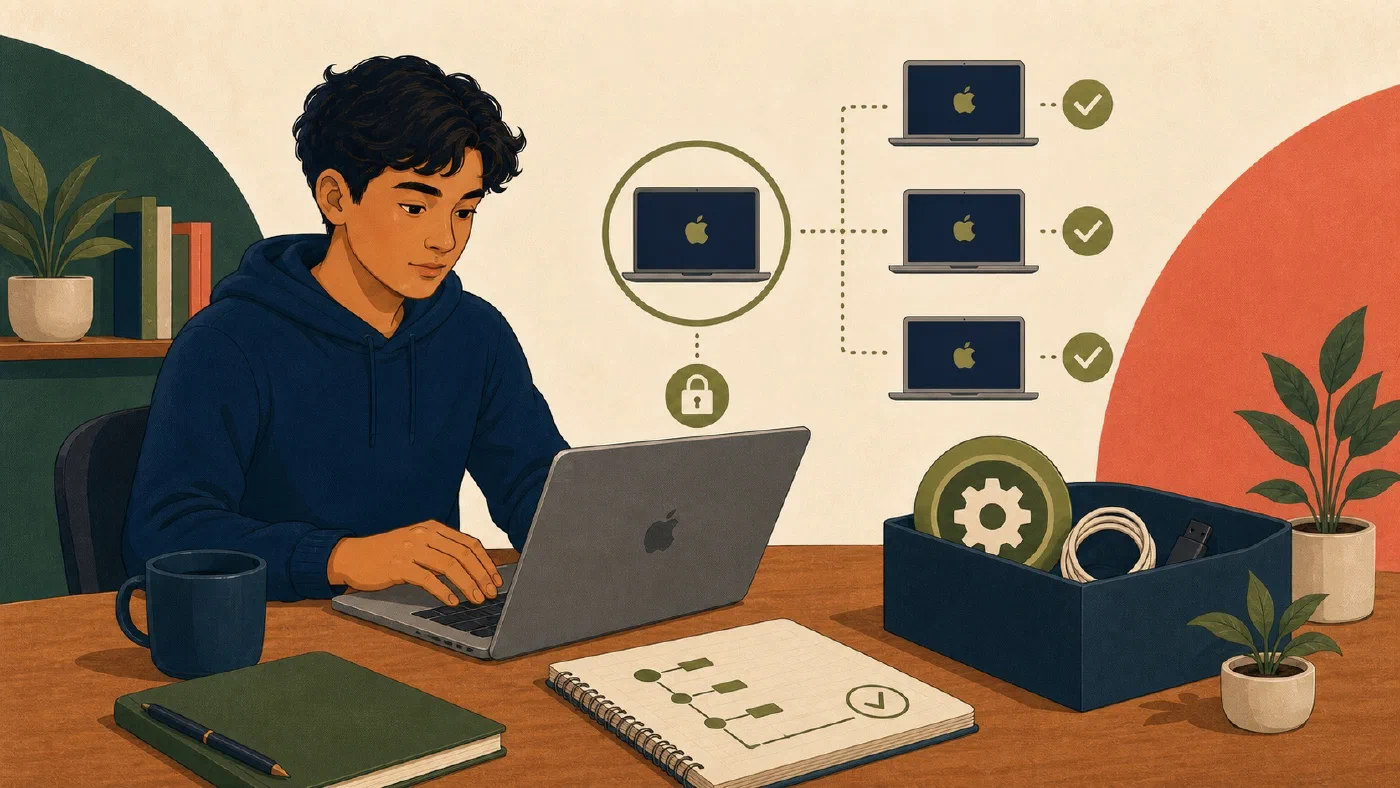
A reproducible Mac setup is a small, tested description of required capability. It is not a copy of every installed app or a script that overwrites an unknown machine. Record one course environment with a reviewed Brewfile, documented configuration sources, cautious bootstrap steps, and read-only verification.
Begin only after the current environment works and you can explain its parts. If it does not, first complete one course-bounded Mac environment rather than encoding an unverified setup.
Define the target before the repository
Write five required fields:
Supported Mac hardware and macOS:
Course or project:
Required tools and acceptable versions:
Expected verification result:
Institution-management boundary:
Add later-review fields only when they matter:
Manual applications:
Shell preferences:
Editor settings:
Credential sources:
Recovery dependencies:
Use unknown or return later instead of inventing a setting. Exclude trial
software and unrelated tools.
Create a small setup repository
mac-setup/
├── README.md
├── Brewfile
├── bootstrap.zsh
├── verify.zsh
├── shell/
│   └── zshrc.example
├── git/
│   └── gitconfig.example
└── docs/
    ├── manual-steps.md
    └── recovery-checklist.md
Create only files you actually use. The README should state:
- target hardware and macOS range;
- prerequisites and course source;
- order of operations;
- expected prompts and privileges;
- files that a step may change;
- where private values belong;
- verification commands; and
- recovery or rollback notes.
Build a reviewed Brewfile
Homebrew’s current Brewfile documentation describes declarative entries for formulae, casks, taps, and several other package types. A non-runnable structural example is:
# Replace placeholders only after verifying exact Homebrew tokens.
brew "<course-required-formula>"
cask "<course-required-cask>"
Use the actual package tokens selected and verified for the course. Do not run the placeholder example. If the target has no Homebrew-managed items, record Brewfile: not applicable and do not install Homebrew merely to create an empty artifact. Continue with the README, configuration examples, manual steps, and verification.
Homebrew can snapshot supported installed items:
brew bundle dump --file=Current.Brewfile
Treat a dump as inventory input, not a finished target. Review it, transfer only
required entries into Brewfile, and delete or ignore the temporary inventory
according to your repository policy. A snapshot can include unrelated personal
software.
Check whether the declared dependencies are already satisfied:
brew bundle check --verbose --file=Brewfile
This check reports missing dependencies. Applying the file is a separate state-changing step:
brew bundle install --file=Brewfile
Homebrew documents that Bundle may install or upgrade software. A Brewfile is not a lock file for arbitrary historical versions. Do not describe it as exact version reproduction, and do not run it on a managed or important Mac without reviewing the current file and change window.
Treat dotfiles as source, not as a home-directory copy
Dotfiles can record shell, Git, editor, and tool configuration. They can also contain usernames, email addresses, private paths, tokens, command history, host details, or organization settings.
For each proposed file:
- Identify the setting the course actually needs.
- Read the current file without publishing it.
- Extract only portable, understood lines.
- Replace personal values with documented placeholders.
- Record the destination and previous-state backup rule.
- Verify the setting in a new process.
Prefer examples such as zshrc.example and gitconfig.example when the user
must supply private values locally. Do not commit:
- private SSH keys or key passphrases;
- API tokens, passwords, or recovery keys;
- full shell history;
- cloud credentials;
- private repository URLs;
- institution identifiers; or
- machine-specific secrets copied from the Keychain.
A .gitignore reduces accidents but is not a secret-storage system. Inspect
the staged diff before every commit.
Make bootstrap steps inspectable
bootstrap.zsh should use a clear sequence:
1. Confirm target macOS, architecture, user, and management assumptions.
2. Print the files and packages the script may change.
3. Stop when a prerequisite or authorization is missing.
4. Preserve an existing configuration file before replacing or linking it.
5. Apply one bounded change.
6. Verify that change.
7. Report manual and deferred work.
The script should be safe to run again. A second run should report satisfied state, not duplicate shell lines, recreate keys, or overwrite user changes.
Avoid automatic sudo, recursive deletion, hidden downloads, unattended
license acceptance, and commands copied from generated advice without source
review. Keep SSH-key creation and other personal credential enrollment outside
the bootstrap script.
Write read-only verification
verify.zsh should inspect without installing or editing:
#!/bin/zsh

set -u

printf 'macOS: '
sw_vers -productVersion
printf 'Architecture: '
uname -m
printf 'Developer directory: '
xcode-select --print-path
printf 'Git: '
git --version
if command -v brew >/dev/null; then
  printf 'Homebrew: '
  brew --version | head -n 1
else
  printf 'Homebrew: not installed; verify whether that is expected\n'
fi
Extend it only with course-specific checks whose output is safe to record. Avoid printing the whole environment, Git configuration, SSH directory, or Keychain contents.
Verification should also run the starter project’s documented build or test in a separate practice checkout. A setup script succeeding on its original Mac does not establish reproducibility.
Rehearse without rebuilding
Use a safe alternate directory:
- Clone the setup repository into a new path.
- Read the README as if you had no memory of the setup.
- Run shell syntax checks and read-only verification.
- Run
brew bundle check --verbose, not installation. - Compare example dotfiles with current files without replacing them.
- Clone one course project into a new practice path.
- Follow its environment instructions and run the test.
- Record every hidden assumption.
If an authorized spare or disposable Mac is available later, use it for a fuller rehearsal. Do not erase the current Mac to test setup documentation.
Review the artifact
- [ ] Every package has a current course or project requirement
- [ ] Brewfile tokens and sources were inspected
- [ ] Dumped inventory was reduced to the target
- [ ] Brewfile limitations and upgrade behavior are documented
- [ ] Dotfile examples contain no secrets or private paths
- [ ] Existing files are preserved before any replacement
- [ ] Bootstrap steps stop on missing authority
- [ ] Verification is read-only and avoids sensitive output
- [ ] One starter project works from a new directory
- [ ] Managed-device limits and manual steps are recorded
Common mistakes
- Exporting every package and calling the result reproducible.
- Treating a Brewfile as an exact version lock.
- Running
brew bundlewithout reviewing possible installs and upgrades. - Copying an entire home directory into a dotfiles repository.
- Generating credentials from a bootstrap script.
- Overwriting existing configuration without a backup and comparison.
- Testing only on the original project and shell session.
Do this now
First record the exact macOS target and create a reviewed Brewfile for one course toolchain. Verify that manifest before adding configuration. A secret-free configuration example, bootstrap steps, read-only checks, and a new-directory rehearsal are later stages.
Log what you learned
The macOS setup repository and rehearsal result are the learning log. Add configuration, bootstrap, and rehearsal evidence only after each later stage runs.
Next, use these artifacts in a non-destructive Mac recovery rehearsal.