
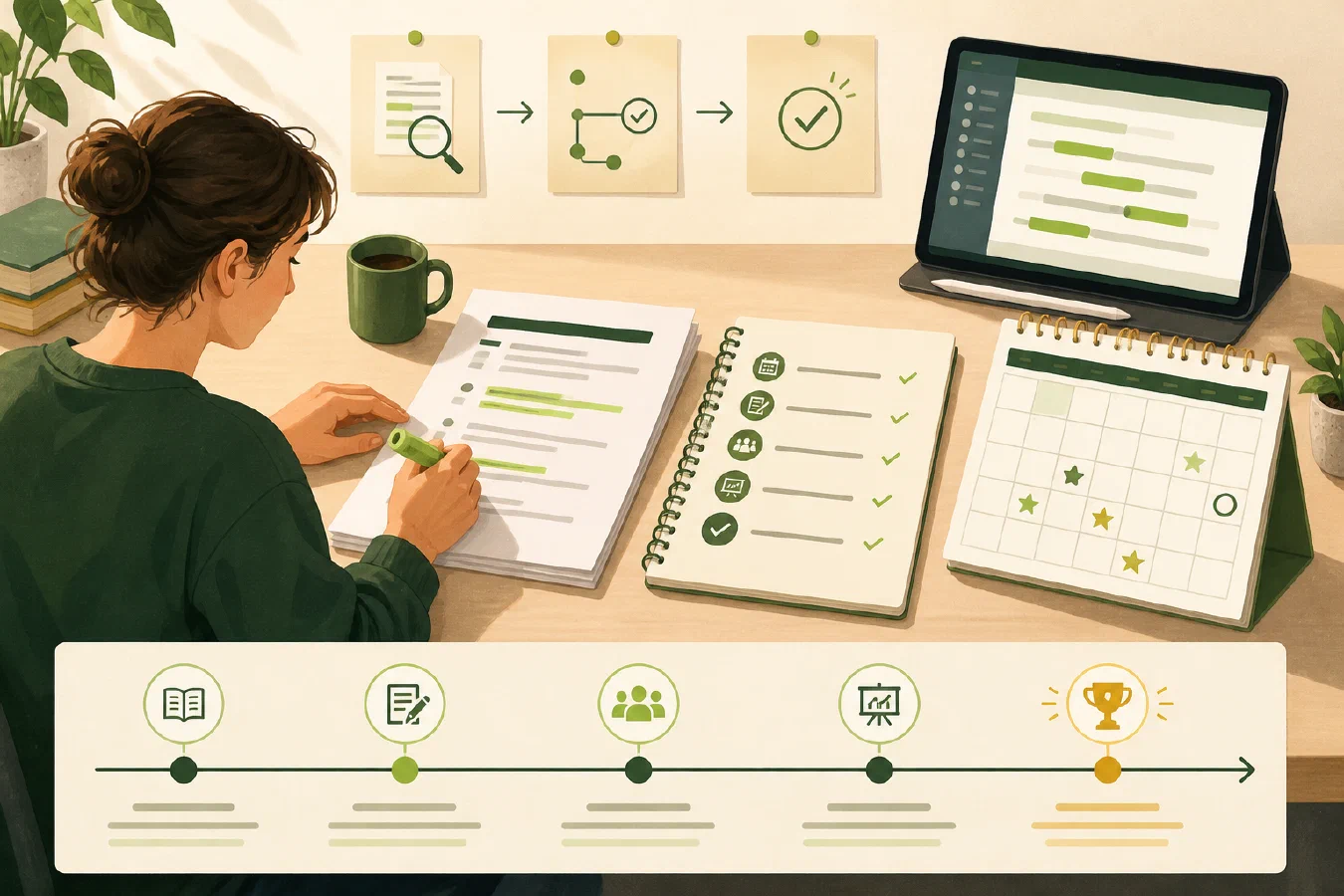
A syllabus or LMS course source is information to verify, not yet a working plan. The practical first step is to preserve or bookmark the original and extract only the dates, rules, and conditions that can change what you do. Keep the source location beside every entry, and mark anything uncertain until you verify it.
Why this matters
Course information is often split across a syllabus, an LMS page, an assignment description, and later announcements. The syllabus may be a PDF, but an LMS activity can be a web page rather than a downloadable file. Copying everything into a new note feels productive but creates a second document that can drift from the course source.
The goal is a small register that answers four questions:
- What must happen, and by when?
- What rule changes how I should do it?
- Where did this information come from?
- What still needs confirmation?
Do not treat your extraction as more authoritative than the course source. If a syllabus, LMS activity, and instructor announcement disagree, record the conflict and use the course’s stated communication route to resolve it.
The central idea: extract, then verify
Separate four kinds of statements:
| Kind | Example | What to do |
|---|---|---|
| Source fact | “Lab 2 is due on a stated date.” | Record the wording and source location. |
| Interpretation | “The lab probably needs two sessions.” | Label it as your planning assumption. |
| Constraint | “Submissions must use a required format.” | Preserve the condition and its scope. |
| Unknown | “The late policy conflicts with the LMS page.” | Stop treating the item as settled. |
This distinction prevents a plausible summary from becoming a false deadline.
Walkthrough
1. Collect one course’s sources
Start with one course. Save or bookmark the syllabus and relevant LMS pages in the course’s authorized location, note the source date or version if available, and list the other places that may supersede them:
CS-101/
├── course-info/
│   ├── syllabus.pdf   # if the syllabus is provided as a PDF
│   ├── syllabus-register.md
│   └── source-index.md
├── notes/
└── assignments/
Do not download private course material into an unapproved AI service merely to make extraction easier. Education records can contain personally identifiable information, including direct and indirect identifiers. Keep course data within the permissions and tools your institution allows. See the U.S. Department of Education guidance on personally identifiable information in education records for the privacy boundary.
2. Make a minimum useful register
Create syllabus-register.md with a titled paragraph for each milestone. For
each item, record the item name, due or effective date, source location,
condition, and state (verified, check, or return later). A heading such as
Milestone — Lab 2 is enough; do not fill in a Markdown milestone table.
# CS-101 syllabus register

Sources: course portal → Syllabus and Assignments, checked 2026-08-24

## Milestones

### Milestone — Lab 2

Due or effective date: 2026-09-14
Source location: Syllabus, p. 2
Condition: Submit one PDF
State: verified

### Milestone — Midterm

Due or effective date: 2026-10-06
Source location: LMS calendar
Condition: In class
State: check

## Hard rules

- Submission format: verify against the LMS assignment page.
- Collaboration: record the course wording before sharing code.

## Open questions

- Does the LMS date replace the syllabus date for Lab 2?

## Verification log

- Checked the syllabus and LMS page on 2026-08-24.
- Midterm date still needs confirmation.
Use verified, check, unknown, not applicable, or return later. These
states are more honest than forcing every row to look complete.
3. Extract material items, not every sentence
Look for dates, required deliverables, assessment rules, attendance or access conditions, privacy limits, and named tools in the syllabus and relevant LMS pages. Ignore decorative description and copy only enough context to distinguish the item.
For a date, record the event and its condition. “Project proposal” is weaker than “Project proposal — 2026-09-28 — upload Markdown file — assignment page.” For a rule, keep the scope: a rule for one lab is not automatically a rule for the whole course.
4. Compare sources before scheduling
Check the register against the source page by page or section by section. When
two sources disagree, add an entry to Open questions instead of silently
editing the date. Record who or what can resolve it: instructor, TA, current LMS
assignment page, or a course announcement. An LMS activity may be a web page;
you do not need a PDF copy for it to be a source location.
This is where a working log helps. Record what you checked, the result, and the next action. Do not record passwords, access tokens, recovery codes, or private student data in the log.
5. Hand off to the next layer
Once the register is verified, route the files with a course workspace routine. The register remains the source-linked extraction. It does not need to become a full calendar, task database, or set of copied lecture notes.
Common mistakes
- Assuming every deadline is in the syllabus. Check the relevant LMS activity, assignment page, or announcement when the syllabus does not state a date.
- Copying the whole source. A long duplicate is difficult to compare with the original. Extract material fields and keep or bookmark the source.
- Treating a date as universal. A date may apply to one section, group, or assignment version. Preserve the condition.
- Replacing uncertainty with a guess. Use
checkorunknownand name the resolver. - Uploading restricted course material for convenience. Check course and institutional rules before using external tools.
- Scheduling before verification. A clean calendar can still contain the wrong date.
Do this now
Choose one course and create a five-row first pass: three milestones, one hard rule, and one open question. Use the syllabus, LMS pages, or both as sources. Link each item to its source and verify the three milestones before adding more.
Log what you learned
Record:
- Result: What did the register make easier to see?
- Evidence: Which source locations did you check?
- Next action or unresolved question: What must be confirmed before you schedule work?