
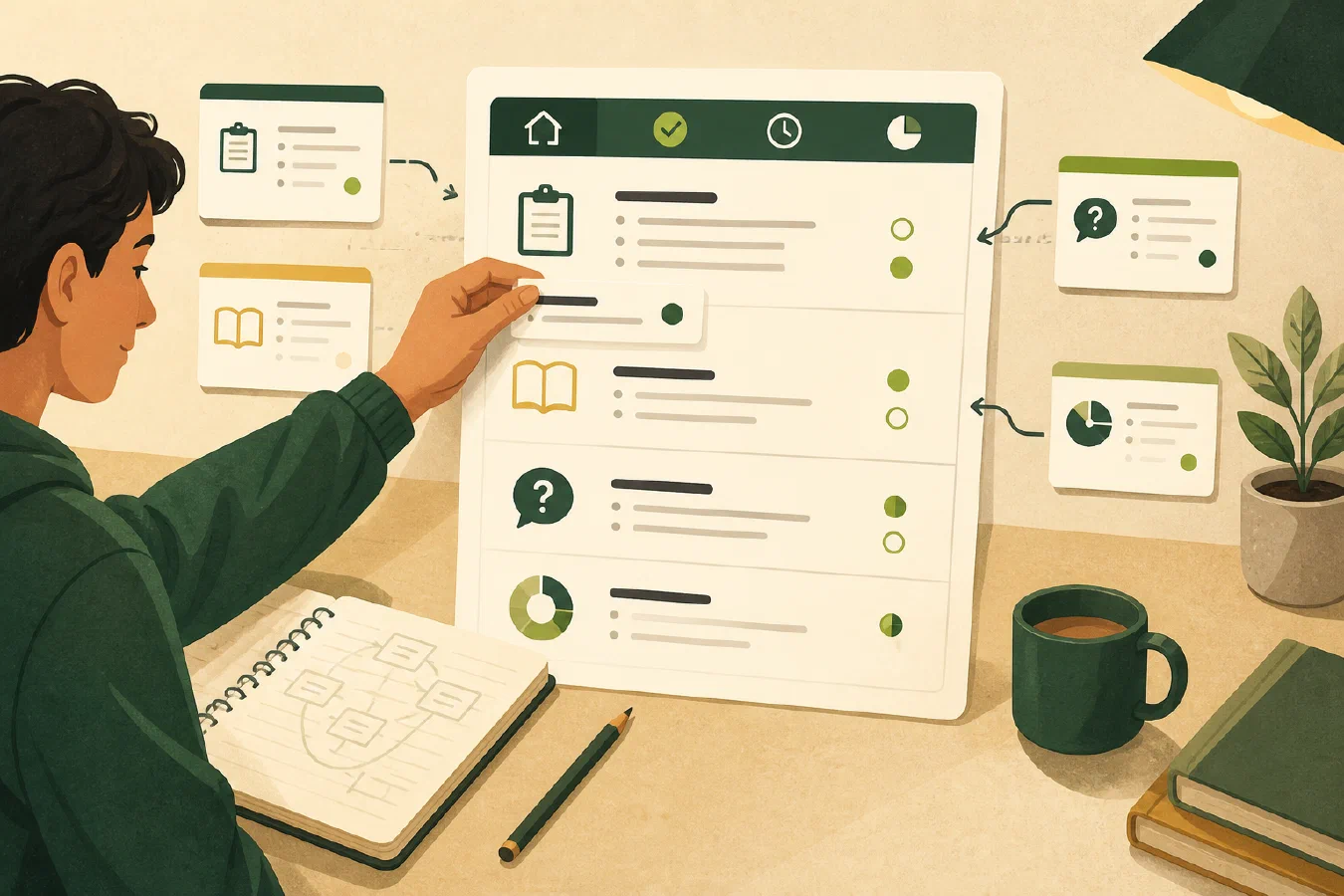
A course dashboard is an index, not a second copy of the course. Use one small Markdown file to connect the syllabus register, course folders, milestones, current status, open questions, and next action. Link to the authoritative files and test the links after you move anything.
Why this matters
Students can have complete notes and still lose time locating the current syllabus, next assignment, or unresolved question. A dashboard gives one course a visible current state without requiring a new database or a full rewrite of the source material.
The dashboard should answer “Where is it, what matters now, and what should I check next?” It should not attempt to contain every detail.
The central idea: index responsibility, not content
Keep these responsibilities separate:
| Layer | Responsibility |
|---|---|
| Source files | The syllabus, assignment pages, readings, and notes as received or created. |
| Milestone register | Dates and rules extracted and checked against sources. |
| Dashboard | Links, current state, questions, and next action. |
| Reminders | Notifications generated from verified milestones. |
The separation makes corrections safer. If a date changes, update the register, then regenerate reminders. Do not patch several copied notes by memory.
Walkthrough
1. Create the five-section file
Save course-dashboard.md in the course’s course-info folder or another
location you can back up and reach quickly:
# CS-101 course dashboard

Last checked: 2026-08-24
Source: course portal and local course workspace

## Course identity and sources

- Syllabus: [course-info/syllabus.pdf](course-info/syllabus.pdf)
- Milestone register: [course-info/syllabus-register.md](course-info/syllabus-register.md)
- Notes: [notes/](notes/)
- Assignments: [assignments/](assignments/)

## Milestones

| Item | Date | State | Source |
| --- | --- | --- | --- |
| Lab 2 | 2026-09-14 | verified | syllabus-register.md |

## Current status

- Current unit: functions
- Last completed: week 1 notes
- Blocked by: none

## Open questions

- Confirm whether the project proposal uses the LMS date or the syllabus date.

## Next action

- Re-read the Lab 2 requirements and make a small test case.
The headings are a starting structure. Keep a field only while it helps you make or verify a decision.
2. Link instead of copying
Use relative links for files in the same course workspace when your Markdown
tool supports them. Use descriptive link text. A link to syllabus.pdf is more
useful than a pasted paragraph that may become stale.
If a destination does not support relative links, record the canonical path in plain text and test it manually. Do not invent a link that looks complete but does not resolve.
3. Separate status from memory
“I think I finished the reading” is a memory statement. A useful status entry names the evidence:
Current status: reading 2 complete; notes saved in notes/week-03.md;
one terminology question remains open.
The dashboard is not a place to perform the whole assignment. It is a compact record that points you toward the work and tells you why the next action is next.
4. Verify the index
Run a four-part check:
- Open every link in the dashboard.
- Compare material dates with the syllabus register.
- Confirm that the current-status sentence points to evidence.
- Complete or remove the next action when it changes.
After moving a course folder, repeat the link check. When the LMS changes, use the change-review procedure to compare the current source with the dashboard and register before changing downstream reminders. A dashboard is useful only if it remains connected to the files and course state it names.
5. Keep the first pass small
Start with one course and five sections. Do not add grade calculations, automatic summaries, or every reading title until a repeated problem justifies them. A smaller dashboard has a clear stopping condition.
Common mistakes
- Copying the syllabus into the dashboard. Link to the source and keep extracted milestones in their own register.
- Making a second task system. Keep only the next action and link to a task system when one is genuinely needed.
- Writing status without evidence. Name the file, submission receipt, experiment, or other observation that supports the status.
- Adding fields because they look professional. Remove fields that do not change a decision.
- Skipping link checks. Moving a folder can silently invalidate a dashboard.
Do this now
Create a dashboard for one current course. Add four links, one milestone, one evidence-backed status line, one open question, and one next action. Open every link before you add more fields.
Log what you learned
Record:
- Result: What did the dashboard make visible?
- Evidence: Which links and status claims did you check?
- Next action or unresolved question: What should be verified before you add reminders?