
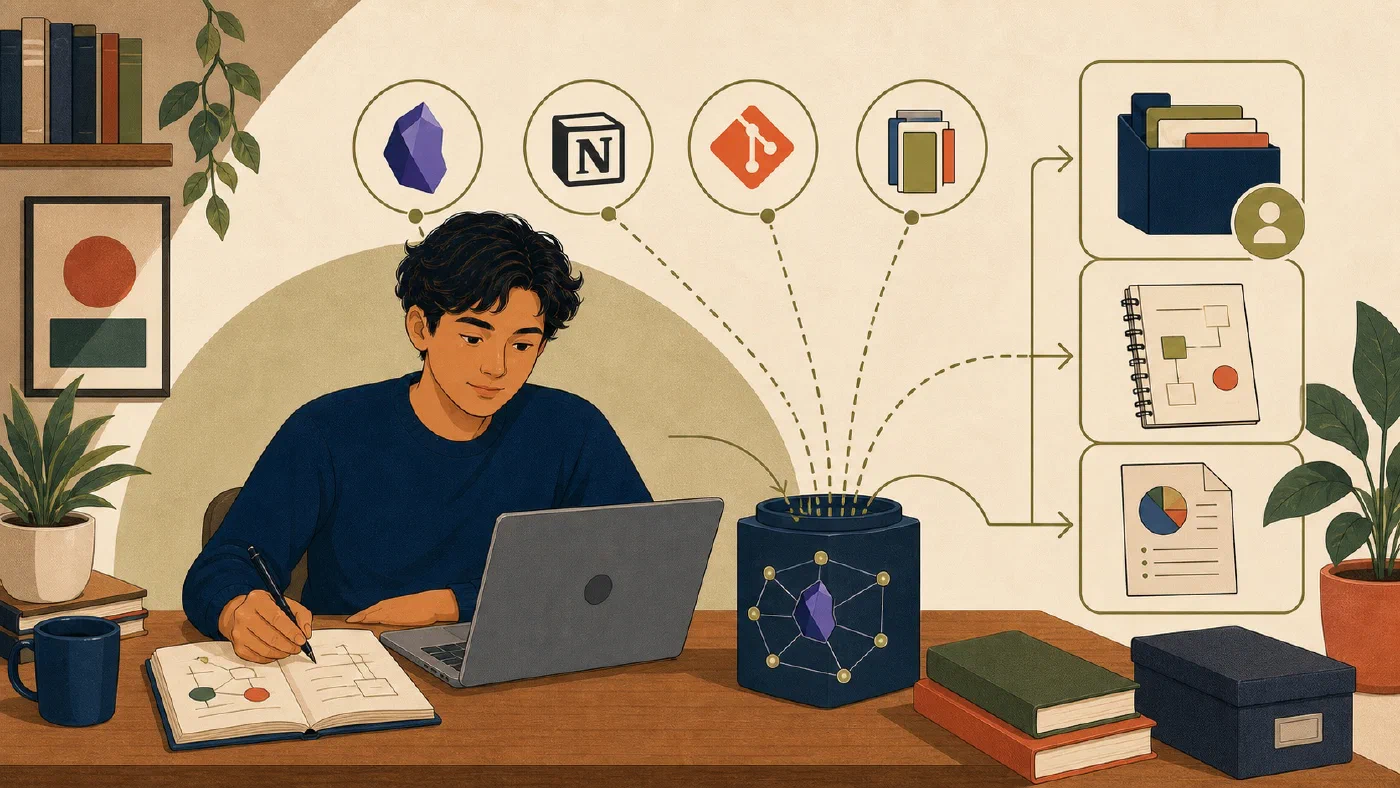
Using several tools is not automatically a problem. Duplication becomes a problem when two copies both appear authoritative. Assign each tool one clear responsibility, keep one canonical source for each artifact, and use links or short summaries across boundaries.
Divide by responsibility
A useful default is:
| Tool | Canonical responsibility |
|---|---|
| Obsidian | Personal concepts, learning notes, and private connections |
| Notion | Shared coordination, structured group state, and discussion |
| Git | Technical source, tests, configuration, and project documentation |
| Office | Required rich-format collaboration and deliverables |
These are defaults, not ownership claims by a product. A course requirement, institutional policy, accessibility need, or project constraint can change the assignment.
Keep personal learning personal
Use Obsidian for explanations in your own words, recall questions, and links between concepts. The purpose of personal knowledge management is to store extracted, synthesized knowledge—understandings rewritten in your own words—rather than raw data, program source code, datasets, or runtime artifacts that belong in a project directory. A project note can link to the repository and shared plan without copying their full contents.
Do not copy a teammate’s private comments or restricted course content into a personal vault. Preserve attribution when a concept note draws from a lecture, paper, or group decision.
Keep group state in one shared system
If the team uses Notion for tasks, the current owner, due date, and status belong there. A personal note may say:
Project status: see the shared tracker at [authorized link].
My next action: draft the methods explanation.
Do not maintain another complete task table in Obsidian. Links can expire, so record enough context to identify the project and responsible owner without copying sensitive content.
Keep technical work with the repository
Source code, tests, configuration, and README instructions should normally live with the technical project in Git. Git’s official command and interface documentation describes the version-control system; later posts in this series teach its workflow.
A Notion page can link to the repository and summarize a milestone. It should
not become a second current copy of setup commands. A personal concept note in Obsidian can
explain what you learned without becoming the project’s operational README. While both Obsidian notes and Git repositories use Markdown files (.md), Markdown in Obsidian serves personal knowledge synthesis and conceptual recall, whereas Markdown in Git serves technical setup contracts, operational instructions, and project documentation for collaborators and automated tools.
Keep required deliverables in their required format
Use Word, Excel, or PowerPoint when a course or collaborator requires their layout, review, formulas, or presentation features. Microsoft documents that files stored in supported OneDrive or SharePoint locations can use collaboration and version-history features; verify the current workflow in Microsoft’s save and recovery guidance.
Keep the editable document canonical. Export the required PDF or other submission format, and preserve the exact submitted copy and receipt.
Create an information-location map
For one project, write a short record titled Information locations — [project].
For each important information type, answer in one paragraph:
- What is its canonical home, and who is responsible for editing it?
- Where is it linked from so people can find it without creating a second copy?
- What export, clone, backup, or recovery path preserves it if the primary tool changes?
Use separate paragraphs for concept explanations, tasks and owners, code and README files, and final reports when they have different homes. Do not fill in a Markdown location table. If two systems both say that an item is current, narrow their responsibilities before continuing.
Every information type needs one canonical home. If two systems both say “current,” narrow their responsibilities.
Replace copies carefully
Before removing a duplicate:
- compare the copies;
- choose the authoritative version;
- merge unique supported material;
- replace the other copy with a descriptive link or short summary;
- verify access from the intended account; and
- preserve required records and backups.
Do not delete first. A “duplicate” may contain the only copy of a decision or submitted state.
Common mistakes
- Using every tool for notes, tasks, files, and history.
- Linking to content that teammates cannot access.
- Copying README commands into a workspace where they drift.
- Treating an Office PDF as the editable source.
- Putting secrets or restricted data in links and filenames.
- Assuming sync, version history, Git, and backup are interchangeable.
Do this now
Map one active or fictional project. Identify one duplicated artifact and assign it a canonical home. Replace only a safe practice duplicate with a link, then verify the link and recovery path.
Log what you learned
Record only:
- Result: What did the action produce?
- Evidence: What observation, test, or source supports that result?
- Next action or unresolved question: What should happen next?
Next, use a daily capture-and-reflection pass to reject noise, preserve useful learning, and route actions before the weekly review.