
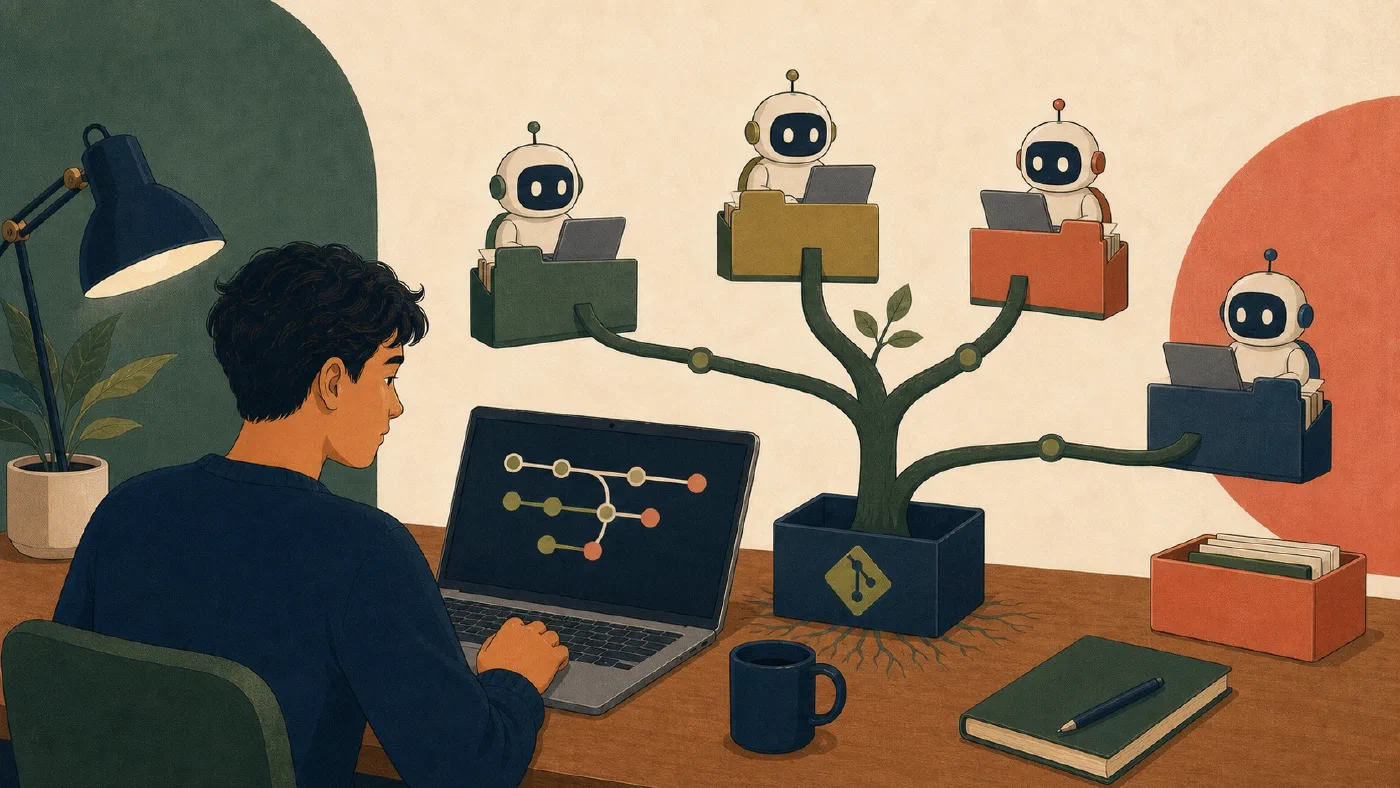
Use Git worktrees for parallel AI agents only when the tasks can be separated clearly. Create one branch and linked working directory per task, assign exclusive files or responsibilities, inspect each result independently, and integrate one commit at a time.
Worktrees reduce interference between working directories. They do not make overlapping designs, stale assumptions, or conflicting recommendations safe.
Understand what a worktree isolates
The official git worktree
documentation states that one
repository can support multiple working trees and have more than one branch
checked out at a time.
Each linked worktree has its own checked-out files, HEAD, and index. The
worktrees share the repository’s object database and most references. This
means:
- an agent can edit one branch without replacing another worktree’s files;
- each worktree can have its own staged and unstaged state;
- commits become visible through the shared repository history; and
- a worktree is not an independent clone or security boundary.
Git generally prevents the same local branch from being checked out in multiple worktrees. Use one branch per active task.
Decide whether parallel work is justified
Parallel work helps when:
- tasks have stable requirements;
- ownership can be divided by file or subsystem;
- neither task depends on the other’s unfinished result;
- each result has an independent check; and
- integration cost is lower than the time saved.
Work sequentially when:
- both tasks edit the same functions or paragraphs;
- one task defines an interface the other needs;
- requirements are still changing;
- the repository already contains unexplained user changes; or
- the work is too small to justify coordination.
Separate files can still conflict in meaning. One agent can rename a concept while another writes documentation using the old term. Freeze shared terminology, interfaces, and acceptance checks before starting.
Freeze task ownership
Give each agent a small contract:
Task:
Branch:
Worktree:
Exclusive paths:
Files that must not change:
Starting commit:
Required outcome:
Verification:
Handoff: status, diff summary, checks, commit ID, unresolved issues
Keep shared configuration, dependency files, schemas, and navigation under one owner. If both tasks need the same shared file, schedule that change before or after the parallel phase.
An agent should stop and report when the task requires an unassigned path or a material interface change.
Create two practice worktrees
Use a disposable repository, not a course project. Begin with a clean, understood state and confirm your Git version:
git --version
git status
Suppose the main branch is main. From the repository, create two sibling
worktrees:
git worktree add -b agent-docs ../practice-agent-docs main
git worktree add -b agent-tests ../practice-agent-tests main
git worktree list
The exact sibling paths are examples. Resolve them before execution and avoid valuable directories.
Assign:
agent-docs: edit onlydocs/guide.md;agent-tests: edit onlytests/check.txt.
In each worktree, inspect status, make the assigned change, run its check, review the diff, stage the explicit path, and make one useful commit.
Do not let either agent edit the main worktree.
Require an evidence-based handoff
Each agent should return:
Branch:
Starting commit:
Commit:
Paths changed:
Outcome:
Checks run:
Remaining risks:
Then, in each worktree, verify:
git status
git diff
git show --stat --oneline HEAD
Read the full committed diff with the appropriate Git command. A successful agent report is not evidence unless the repository state and checks agree.
Reject or revise a result that contains:
- unrelated paths;
- generated noise;
- secrets or private data;
- unexplained dependencies;
- unrun required checks; or
- assumptions that conflict with the frozen scope.
Integrate one result at a time
Return to the main worktree. Confirm its status, then integrate the first branch using the method appropriate to the project. Inspect the resulting diff or commit and run the combined checks before integrating the second result.
After the second integration:
- inspect final status and history;
- run the complete relevant test or build;
- read shared behavior, terminology, and documentation together;
- confirm neither task invalidated the other’s assumptions; and
- record the integration result.
A clean textual merge does not prove semantic compatibility.
If a conflict occurs, stop and resolve its meaning deliberately. The linked worktrees did their job by separating local edits; they were never a guarantee of a conflict-free merge.
Remove linked worktrees deliberately
After commits are integrated and no needed changes remain, inspect:
git worktree list
Then remove each linked worktree with git worktree remove and the explicit
path. Confirm the list afterward. Delete or retain branches according to the
project’s normal policy only after you have verified the commits are integrated.
Do not remove a worktree containing uncommitted work you still need.
The Git manual notes limitations around multiple checkouts and submodules. Avoid this exercise in a submodule-heavy repository until you understand those constraints for the installed Git version.
Common mistakes
- Giving two agents overlapping ownership.
- Treating different branches as proof of safe integration.
- Starting from unexplained local changes.
- Letting agents modify shared configuration independently.
- Reviewing only the final combined diff.
- Trusting reported tests without checking evidence.
- Removing worktrees before preserving needed commits.
- Treating worktrees as sandboxes for secrets or untrusted code.
Do this now
Complete the two-worktree practice exercise. Make one small commit in each exclusive path, inspect both commits, integrate them sequentially, run a combined check, and remove the linked worktrees.
Log what you learned
Record only:
- Result: What did the action produce?
- Evidence: What observation, test, or source supports that result?
- Next action or unresolved question: What should happen next?