
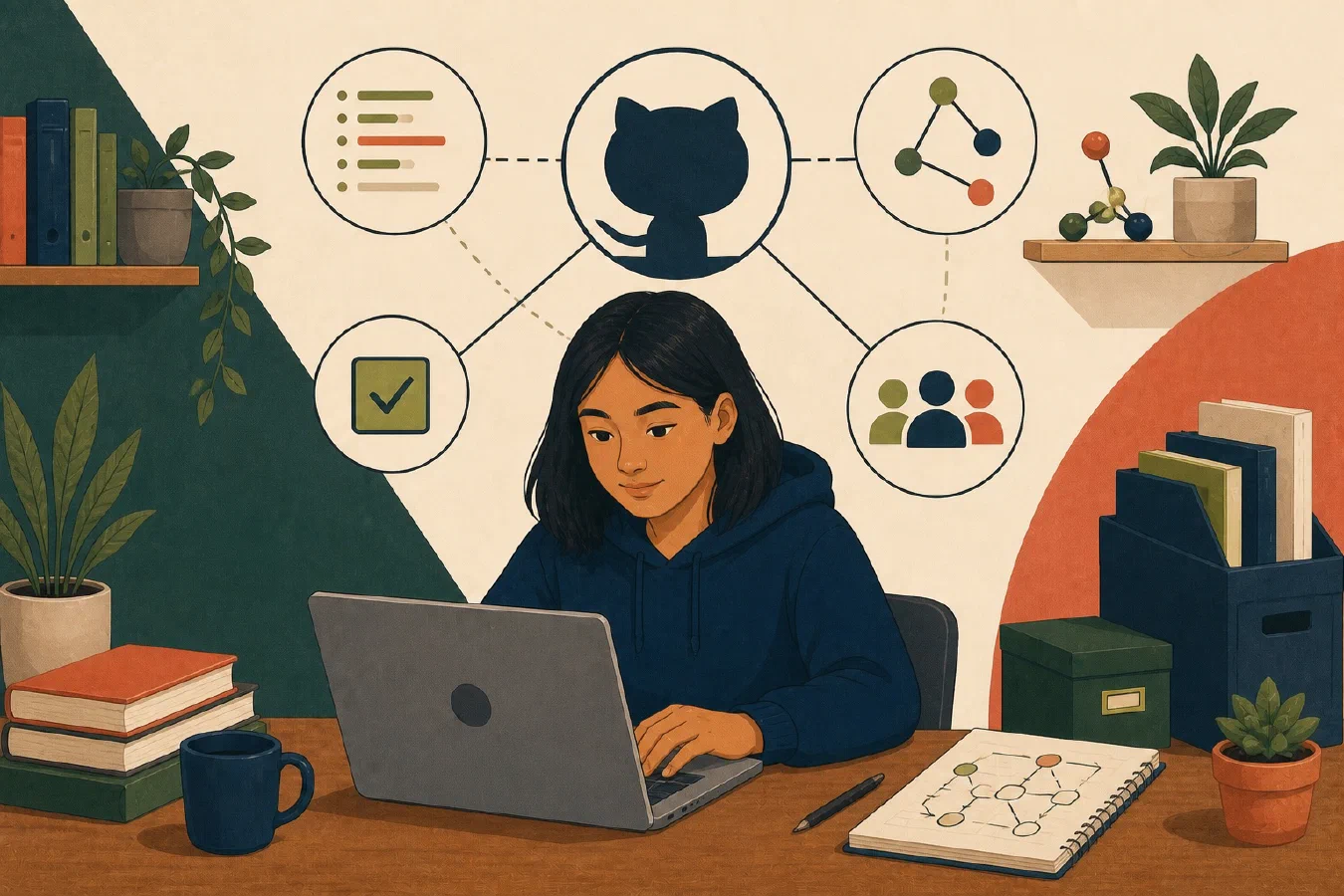
GitHub can store a remote copy of a Git repository, but its larger role is collaboration around that repository. It adds access controls, issues, pull requests, review, automation, releases, and project presentation.
Separate Git from GitHub
Git records repository history locally. GitHub hosts repositories and services around them. A remote is a named location used to exchange repository data; it is not the only valid copy and does not replace a tested backup.
GitHub’s repository overview describes repositories as containing files and revision history and supporting collaboration. Features and plan limits can change, so verify current documentation for the account and organization in use.
Issues describe work; pull requests review change
An issue can record a bug, question, task, or decision with discussion and ownership. A pull request proposes merging branch changes and provides a place to inspect diffs, run checks, and review.
Neither mechanism guarantees quality. An issue needs a clear outcome and evidence. A pull request needs a focused change, readable commits, relevant tests, and human review.
Use a small workflow:
- Create an issue describing expected behavior.
- Make a branch for that outcome.
- Commit a verified logical change.
- Push the branch.
- Open a pull request that links the issue.
- Review the diff and checks.
- Merge only with authorization.
Visibility is a policy decision
Public repositories can expose code, history, issues, workflow logs, and past mistakes. Private repositories restrict visibility according to current account and organization rules, but access still requires active management.
Review GitHub’s current visibility guidance before changing visibility. Never assume switching a repository to private undoes earlier publication.
README and license answer different questions
A README explains what the project does, why it exists, and how to start. GitHub’s README guidance lists purpose, setup, help, and maintainers among common content.
A public repository is visible, but visibility alone does not grant permission to reuse, modify, or redistribute the work. Choose a license only when you own the material and understand the consequences. Course and institutional rules may limit what you may publish or license.
Protect academic integrity and privacy
Do not publish current assignments, solution code, answer keys, private feedback, credentials, or restricted data. A public portfolio can help explain original work, but it must follow course collaboration and publication rules.
Before pushing, inspect the full staged change and repository history for secrets and prohibited material. Ask the instructor when policy is unclear. Changing visibility after exposure may not reverse copying, forks, or caches.
Common mistakes
- Calling GitHub “Git” and losing the local mental model.
- Pushing before reviewing status, diff, and secrets.
- Treating a pull request as proof that tests passed.
- Making coursework public by default.
- Adding a license to work containing material you cannot license.
- Using issues as an unstructured chat archive.
Do this now
Use a fictional or authorized practice repository. Identify its remote, visibility, README, license status, issues, and pull requests. Do not change visibility. Write one recommendation and the evidence behind it.
Log what you learned
Record only:
- Result: What did the action produce?
- Evidence: What observation, test, or source supports that result?
- Next action or unresolved question: What should happen next?
Next, practice a merge conflict deliberately in a disposable repository.