
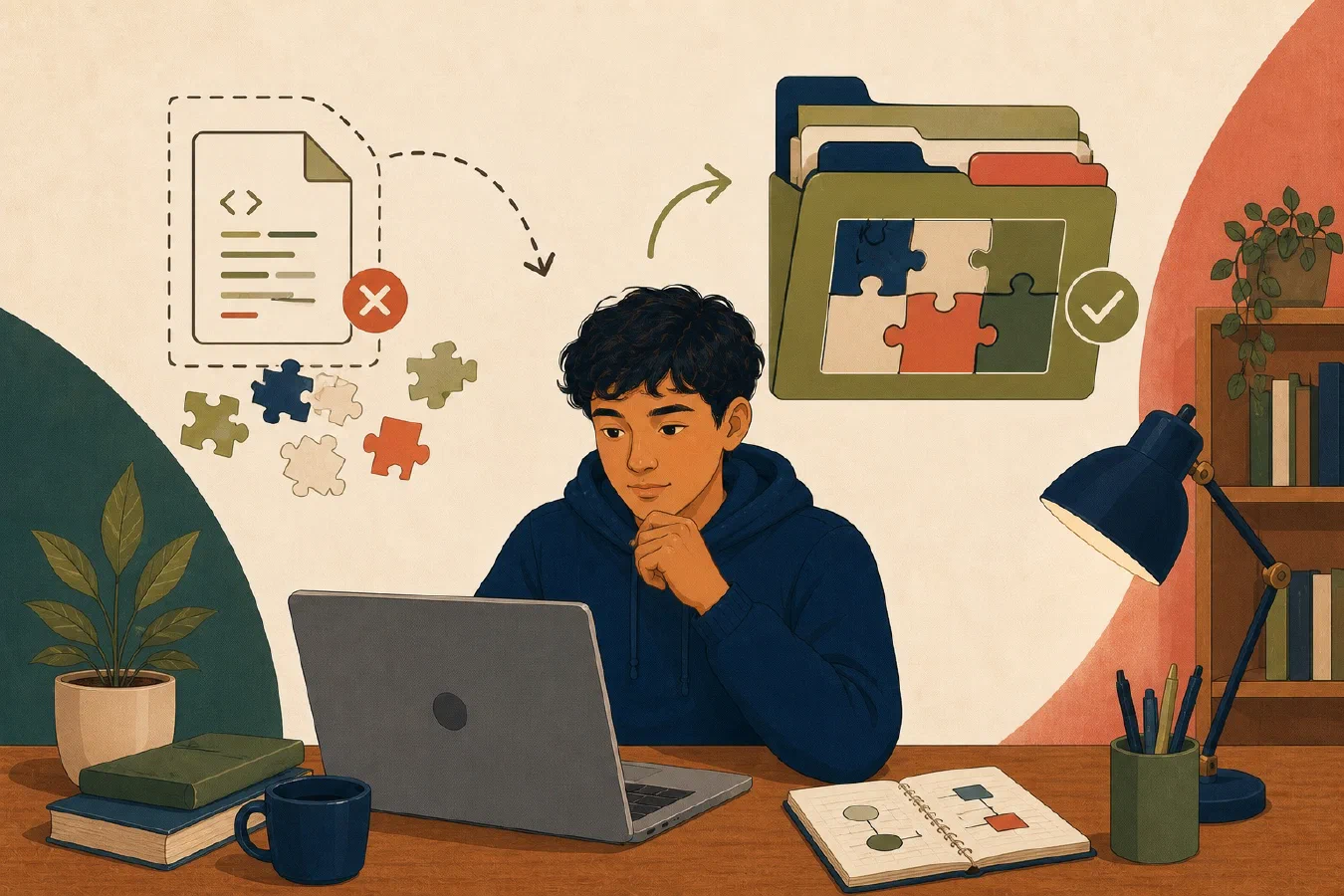
A program is usually more than the file you are editing. Open the project folder so the editor, terminal, dependency tools, tests, and documentation share the same root and configuration.
Opening only main.py or Program.java can hide the files that explain how the
project works.
The project root supplies shared context
The project root is the top-level folder that contains the project as a coherent unit. It may contain:
weather-project/
├── README.md
├── pyproject.toml
├── src/
│   └── weather.py
├── tests/
│   └── test_weather.py
└── data/
    └── sample.csv
The root is not automatically the folder containing the active source file.
While the example above demonstrates a typical Python project layout (pyproject.toml, src/weather.py), different language ecosystems format code and dependencies using their own standard configuration files—such as pom.xml or build.gradle for Java, Cargo.toml for Rust, go.mod for Go, or package.json for Node.js/TypeScript. Regardless of the language toolchain, the project root remains the canonical entry point that groups source code with its project-level documentation (README.md), tests, and configuration.
Look for evidence:
- the project README;
- a version-control directory;
- dependency or build configuration;
- source and test directories;
- assignment instructions; and
- commands documented relative to that folder.
Do not move configuration files beside the open source file merely because the editor cannot find them. First confirm whether the wrong folder is open.
Source depends on neighboring files
One code file may import another module, read a data file, load configuration, or rely on a package declared elsewhere. A test runner may discover tests only from a defined root. A build tool may search upward for configuration.
When you open the root, the file explorer shows these relationships. Search, rename, debugging, testing, and source control can operate on the project rather than one isolated document.
The editor still does not replace the project’s actual tools. It gives those tools the intended context.
Start the terminal in the project root
An integrated terminal is a terminal panel inside an editor or IDE. Its shell and commands work like a separate terminal, but the editor can start it in the open workspace.
Visual Studio Code documents that a single-folder workspace treats the opened folder as the project root, and its integrated terminal normally starts at that workspace folder. See the official workspace documentation and integrated-terminal guide.
Other editors use different terms and settings. Always verify the terminal’s current directory before running a project command.
Configuration belongs at its documented scope
Configuration may apply to:
- one source file;
- one project;
- all projects for one user; or
- the entire computer.
Prefer the narrowest scope that the course and tool support. A formatter rule, test configuration, or interpreter selection that belongs to one assignment should not silently change unrelated projects.
Project-level editor settings can improve consistency, but inspect them before trusting or committing them. Workspace settings from an untrusted project can select tools, tasks, or extensions you did not intend to run.
Dependencies belong to the project workflow
Open the root before installing dependencies. Confirm the expected manifest, lock file, environment directory, or build file.
Running a package command from the wrong directory can:
- report that no project file exists;
- create a new manifest in the wrong place;
- install into an unintended environment;
- select a parent project’s configuration; or
- make a temporary success difficult to reproduce.
Stop if the expected project file is absent. Do not initialize a new project over starter code unless the assignment explicitly instructs you to do so.
Tests and documentation are part of the project
Students often open the one file they expect to submit and miss:
- tests that define required behavior;
- a README with exact commands;
- sample data and expected output;
- style or formatter configuration;
- ignored-file rules;
- licensing or attribution requirements; and
- assignment-specific constraints.
Read the README and test names before changing code. Do not change tests merely to make an incorrect program pass unless the task explicitly asks you to write or correct tests.
Workspace settings are not source truth
An editor workspace can remember folders, launch configurations, and preferred tools. This improves convenience. It can also hide assumptions.
Ask:
- Is the setting required for the program or only for this editor?
- Does the course expect the file to be shared?
- Does it contain a personal path or machine-specific value?
- Could it run a task or select a different runtime?
- If the course project uses Git, should this setting be recorded with the project?
Keep program behavior reproducible from documented project commands, not only from one person’s editor buttons.
Inspect a project before running it
Use this project-opening checklist:
## Project context

- Project root:
- Evidence this is the root:
- README command:
- Source directory:
- Test directory and command:
- Dependency or build file:
- Active environment:
- Integrated terminal directory:
- Project-level editor settings:
- Files or settings I do not understand:
For a downloaded or cloned project, inspect instructions and configuration before running tasks, installing dependencies, or enabling recommended extensions.
Common mistakes
- Opening a code file from a recent-files menu without its project.
- Running commands from a parent, home, or downloads directory.
- Creating a new dependency file because the existing one was out of view.
- Treating editor settings as universal project requirements.
- Changing tests before understanding the expected behavior.
- Trusting an integrated terminal without checking its current directory.
- Running tasks from an untrusted workspace without inspection.
Do this now
Choose a small course project. Close the isolated file and open the project folder using the editor’s folder or workspace command. Complete the checklist, then open a new integrated terminal and verify its current directory.
Do not install, run, or change anything until you can identify the README, source, tests, and dependency or build file.
Log what you learned
Record only:
- Result: What did the action produce?
- Evidence: What observation, test, or source supports that result?
- Next action or unresolved question: What should happen next?