
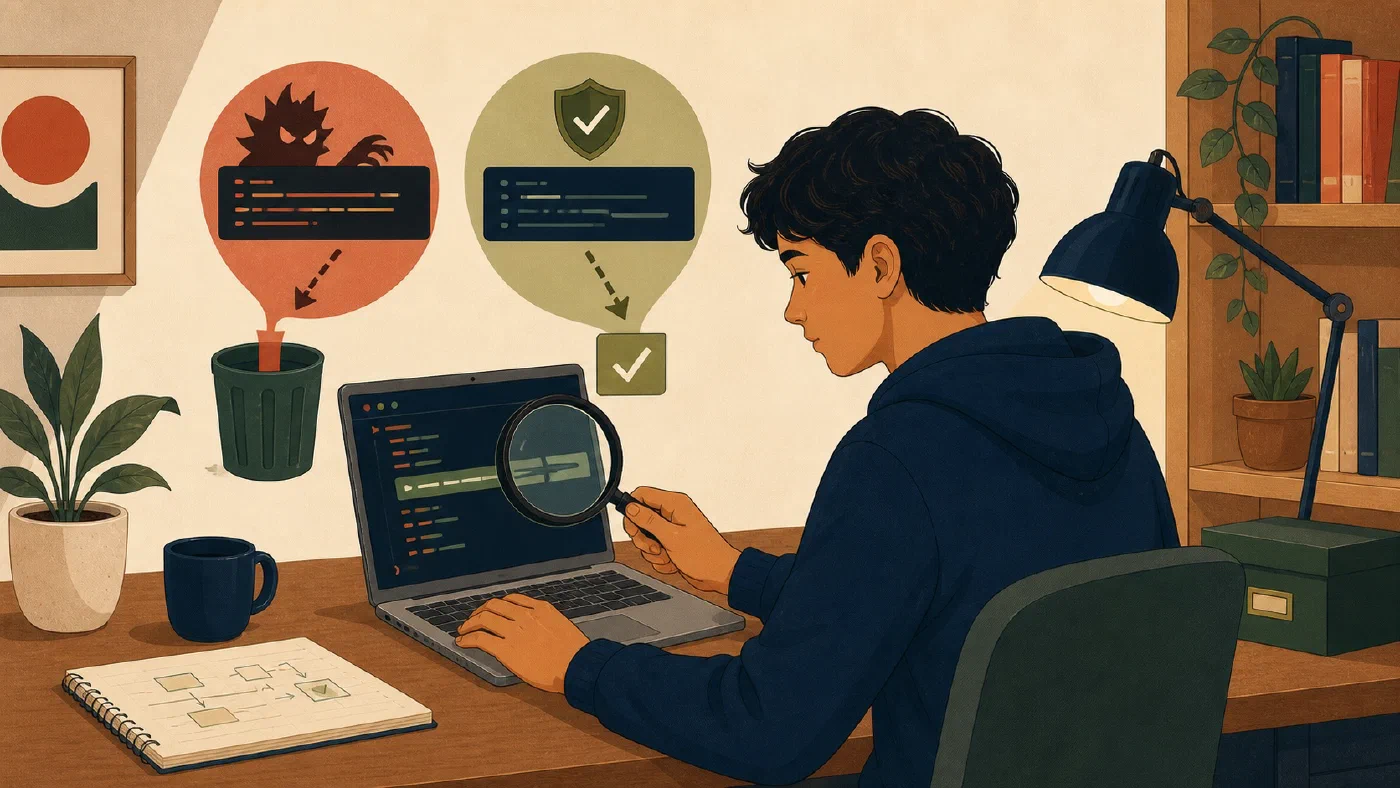
Never run an unfamiliar command merely because a webpage, classmate, or AI assistant presents it confidently. Before execution, identify every segment, input, target, privilege, network action, and possible secret exposure. Verify the behavior in official documentation and define how you will inspect the result.
If you cannot explain a segment, do not run the command yet. Ask for an explanation, not reassurance.
Treat a command line as a small program
A line can contain more than one operation. Shell operators may:
- pass output to another command;
- redirect data into a file;
- run a second command after success or failure;
- start commands in sequence;
- expand variables or wildcards;
- evaluate a nested command; or
- execute a downloaded script.
Exact meanings vary by shell. First identify the shell, then use its official documentation to divide the line.
Do not paste a suspicious line into a terminal to “see what it does.” Analyze it as text. Copy it into a plain-text note with execution disabled, or retype only safe inspection fragments you understand.
Resolve every filesystem target
For each segment that reads, writes, moves, or deletes, answer:
- What is the current directory?
- Is the path absolute or relative?
- Which entries do variables and wildcards select?
- Does the operation recurse into subdirectories?
- Does it follow symbolic links?
- Will it replace, append, rename, or delete?
- Is the target inside the intended project?
Broad targets require stronger evidence. A recursive operation aimed at a home folder, drive root, or unresolved variable can affect far more than one project.
Preview or list matches before changing them. Use a disposable copy when the tool has no reliable preview. Keep important data protected through an appropriate, tested recovery method.
Question administrator access
Administrator or elevated privileges increase what a command can change. They do not make a command more correct.
When instructions request elevation, identify:
- the specific operation that requires it;
- the protected resource being changed;
- the official source documenting that requirement;
- the expected files, services, or settings affected; and
- the rollback or recovery plan.
Do not run an entire terminal or editor as administrator for convenience. Limit elevation to one understood operation.
Stop and seek appropriate help for suspected malware, account compromise, material data loss, unfamiliar disk changes, or institutional security incidents.
Separate download from execution
A pattern that retrieves remote content and immediately sends it to a shell removes the inspection boundary:
[download from URL] | [execute as a script]
Do not use that pattern merely because an installation page presents it. Instead:
- verify the official project and exact URL;
- download to a new file without executing it;
- inspect the file type and contents;
- verify a published checksum or signature when the authoritative process provides one;
- identify requested privileges, destinations, and network actions;
- compare with official installation documentation; and
- decide whether the course or project needs the software.
Inspection cannot prove that complex code is harmless. It creates opportunities to detect obvious scope, source, and privilege problems and to choose a safer official installation method.
URLs and remote content can change. A command that was reviewed previously should not be assumed safe forever.
Protect secrets and private data
Commands can expose information through:
- command arguments;
- shell history;
- environment variables;
- terminal output;
- log files;
- process listings;
- uploaded request bodies; and
- AI conversations.
Never paste passwords, API keys, access tokens, recovery codes, private keys, or restricted course data into an AI prompt for explanation.
Prefer the authentication method documented by the official tool. Use placeholders in notes:
TOKEN=[stored through the approved credential method]
Before sharing a command or error, redact secrets and private paths or data. Redaction must preserve enough structure to explain the problem without exposing the value.
Ask AI for an auditable explanation
A useful request is specific:
Do not execute this command. Identify the expected shell. Break the line into
segments and operators. For each segment, explain inputs, filesystem targets,
network requests, privileges, output, error behavior, and possible secret
exposure. Identify claims that require official documentation. Propose
read-only inspection and verification steps. Mark every uncertainty.
Then check the explanation. An AI system can invent an option, misunderstand quoting, overlook shell expansion, or assume the wrong platform.
Ask follow-up questions:
- Which official manual page defines this option?
- What does the wildcard match in my stated directory?
- Which file would redirection replace?
- Can I inspect the package without installing it?
- What changes if one segment fails?
Do not ask the AI to execute merely because explanation is difficult.
Use the command safety checklist
## Unfamiliar command review

Source and author:
Exact shell and platform:
Current directory:
Segments and operators:
Input to each segment:
Filesystem targets:
Network destinations and methods:
Privilege required:
Secrets or private data involved:
Official documentation checked:
Preview or read-only inspection:
Expected result:
Verification:
Rollback or recovery:
Unresolved questions:
Decision: run | revise | reject
Run is appropriate only when the uncertainties that affect safety and scope
are resolved. Revise means replacing the line with smaller, inspectable steps.
Reject is correct when the source, need, target, or consequence is unjustified.
Practice without executing
Analyze this fictional description, not a copy-ready command:
Download a script from an unfamiliar short URL, send it directly into a shell with administrator privileges, and recursively alter files selected by a variable.
The checklist should identify at least:
- unknown source and redirect destination;
- no inspection between download and execution;
- shell interpretation of remote content;
- elevated privileges;
- unresolved variable value;
- recursive filesystem scope;
- possible logging or secret exposure;
- absent verification; and
- absent rollback.
The correct decision is reject until a real need and authoritative process
replace the unsafe description.
Common mistakes
- Reading only the first command. Analyze all segments and operators.
- Assuming quoted paths are correct. Resolve the actual target.
- Treating administrator access as routine. Require a specific reason.
- Combining download and execution. Restore an inspection step.
- Trusting an AI explanation without sources. Verify options and shell behavior.
- Pasting secrets for debugging. Redact and use approved credential methods.
- Equating a clean preview with guaranteed safety. Preserve recovery and verify the result.
Do this now
First run a stop gate: identify the exact command, target, required privilege, and recovery path. Stop if you cannot explain the target, do not have permission, or cannot protect important data before the change.
Choose one unfamiliar command you were considering, but do not run it. Complete the checklist using official documentation. If any target, privilege, or data flow remains unclear, revise it into smaller inspection steps or reject it.
Log what you learned
Record only:
- Result: What did the action produce?
- Evidence: What observation, test, or source supports that result?
- Next action or unresolved question: What should happen next?
Next, apply the same clarity to information management by deciding what kind of note you are writing.