
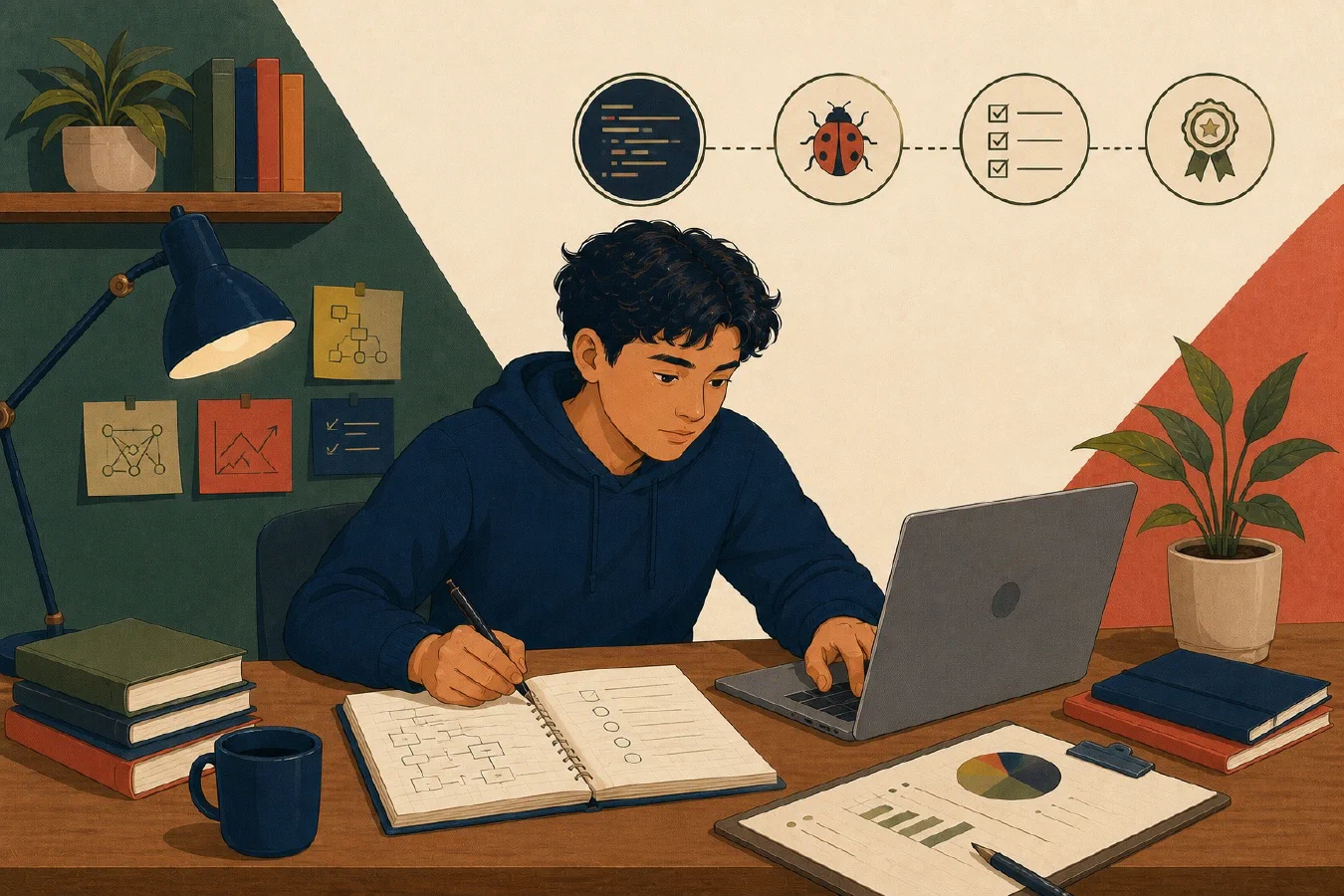
End the semester with a bounded technical review. Archive course work without losing context, restore-test important files, remove unjustified tool obligations, update setup documentation, preserve verified repetition, and select portfolio evidence carefully.
Do not begin by deleting. First identify retention rules, final submissions, source material, recovery needs, and private content.
1. Inventory each course
For every course, record:
Course:
Term:
Instructor:
Required retention:
Final submitted artifacts:
Editable source:
Data and code:
Feedback:
Environment or tool requirements:
Private or restricted material:
Confirm institutional and course rules. Some work may need to remain private, and some licensed materials may not belong in a personal archive.
Keep enough context to understand a file later. final.pdf is weak; a course,
assignment, and date make the artifact identifiable.
2. Build a stable archive
A simple structure is sufficient:
College/
└── 2026-Fall/
    └── CS101/
        ├── README.md
        ├── assignments/
        ├── projects/
        ├── notes/
        └── feedback/
The course README can state:
- course and term;
- purpose of each folder;
- required software versions;
- where final submissions and source live;
- known omissions;
- privacy restrictions; and
- archive date.
Do not reorganize so aggressively that links, code paths, or project history break. Preserve Git repositories as repositories rather than copying only their latest visible files.
3. Verify backup and restoration
Synchronization, Git, and backup solve different problems. Identify which protection covers the archive.
Test:
- choose one important, nonprivate artifact;
- locate its backup copy;
- restore it to a different temporary location;
- open or run it;
- compare expected content;
- record the result; and
- remove the temporary copy safely.
A backup status indicator is not a restore test. If restoration fails, preserve the original and fix the protection process before deleting anything.
Record encryption recovery access for the device and backup where applicable, without placing recovery secrets inside the archived course folder.
4. Review installed tools
Write a short record titled Installed-tool review — [term]. Give each tool
one paragraph naming the course need, projects that depend on it, data or export
that must be preserved, and a decision: keep, remove, defer removal, or
replace later. Do not fill in a Markdown review table.
For example, one paragraph can explain why an IDE supports the final project and should be kept, while another can explain why a trial plugin has no current need or data and can be removed.
Decisions:
- keep: supports current work and remains maintained;
- remove: no needed dependency or data;
- defer removal: dependency or export remains unclear; or
- replace later: need exists but current tool creates unacceptable cost.
Do not remove a runtime or tool until you know which archived projects depend on it and have preserved setup instructions.
5. Update setup and recovery documentation
Compare the semester’s real environment with its README or setup guide:
- operating system and required versions;
- package or application identifiers;
- project creation and run commands;
- environment variables without secret values;
- data locations;
- test commands;
- backup and restore process; and
- known failures or workarounds.
Rebuild one small project from the instructions when practical. Correct the documentation from observed evidence, not memory.
Remove temporary troubleshooting steps that are no longer part of the verified process.
6. Promote repeated work carefully
Review working logs for processes repeated during the semester:
| Repeated need | Smallest reusable form |
|---|---|
| Remember a decision | Note |
| Perform judgment-based steps | Checklist |
| Explain setup | README |
| Enforce behavior | Test |
| Repeat deterministic commands | Script |
| Apply a multi-step AI workflow | Skill |
Promote only verified work. A script should not fossilize a workaround the student cannot explain. Test reusable artifacts outside the original chat or memory.
7. Select portfolio material
Choose depth, not quantity. A portfolio candidate should let you explain:
- the problem;
- constraints and decisions;
- implementation;
- tests and verification;
- a difficulty and response;
- your contribution;
- credits and dependencies; and
- what you would improve.
Before publishing:
- remove credentials and private data;
- check instructor and institutional rules;
- obtain permission for team material;
- do not publish restricted prompts, tests, or solutions; and
- verify that screenshots reveal no private information.
“Completed in class” is not enough. The artifact should demonstrate learning you can discuss.
Use the checklist
Begin with a four-part course closeout:
# Semester-End Technical Review

- [ ] Required work preserved under the applicable retention and privacy rules
- [ ] One important artifact restored and verified
- [ ] One incorrect or incomplete setup instruction corrected
- [ ] One keep, remove, or reconsider tool decision recorded
Timebox the review. If a deep repair appears, record a separate task rather than leaving every archive unfinished.
In a second pass, evaluate repeated work for reuse and select portfolio material only after checking permission, privacy, and credit.
Common mistakes
- Deleting before inventory. Establish retention and recovery first.
- Saving only final output. Preserve editable source and context.
- Calling synchronization a tested backup. Restore one artifact.
- Removing tools without dependency review. Check archived projects.
- Automating unverified work. Preserve understanding.
- Publishing coursework by default. Review policy, privacy, and ownership.
- Turning closure into a system redesign. Use a bounded checklist.
Do this now
Complete the checklist for one course. Restore one artifact, update one setup instruction, and record one keep/remove tool decision.
If the full review feels too large to begin, use the guided chatbot workflow to work through the checklist one section at a time. Run restore tests and other verification outside the chat.
Log what you learned
The course-closeout record is the learning log. Save the archive location, restore evidence, corrected instruction, tool decision, and unresolved work there. Add reuse and portfolio decisions only after the second pass.