
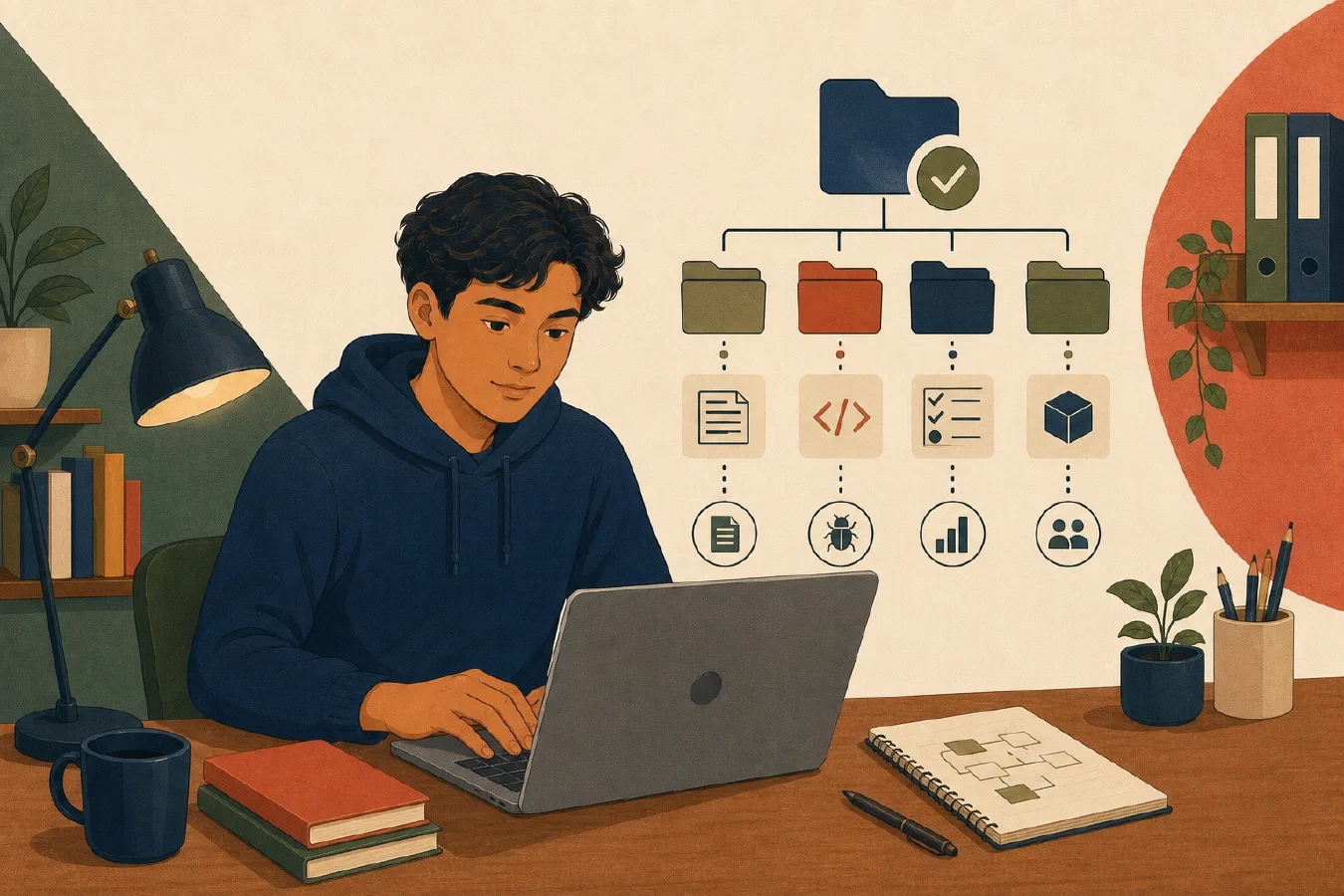
A useful project structure makes the next correct action easy to find. Keep source, tests, documentation, scripts, and examples in predictable locations. Start small, name each directory by responsibility, and add complexity only when the project needs it.
The goal is not a universal folder tree. It is a project another person can inspect, run, test, and explain.
Begin at one clear project root
The project root contains the files that describe the project as a unit:
course-project/
├── README.md
├── src/
├── tests/
├── docs/
├── scripts/
└── examples/
The root may also contain the dependency, build, formatting, test, and Git configuration required by the selected language and course.
Open the root as the editor workspace and run documented project commands from it. Do not scatter related configuration across parent folders or a personal home directory without a documented reason.
Put program source in one visible place
src/ contains the source a student intentionally edits to implement the
project:
src/
├── calculator.py
└── formatting.py
Some language ecosystems use another standard layout. For instance, while Python projects commonly place code under src/ or a package directory, a Java project using Maven or Gradle separates source into src/main/java/ and src/test/java/, a Rust crate uses src/main.rs or src/lib.rs with a root Cargo.toml, and a Go module organizes code by packages under go.mod. Follow the course, framework, or established project convention when one exists.
Regardless of which programming language or directory layout a framework requires, the documentation structure remains similar across language ecosystems: every code-containing project still needs a root README.md, top-level docs/, reproducible run and test instructions, and defined example/test data boundaries.
Do not place generated output, downloaded dependencies, temporary data, and source code together merely because the program can still run. Separating roles makes backup, Git, review, and cleanup decisions clearer.
Keep tests close in purpose, separate in responsibility
tests/ contains code and data used to verify behavior:
tests/
├── test_calculator.py
└── data/
    └── valid-cases.csv
Match test names to the behavior or source they examine. A reader should be able to move from a source module to its relevant tests without searching the whole computer.
Do not edit instructor-provided expected results merely to make incorrect code pass. When test data has privacy or licensing constraints, use safe synthetic examples or the authorized storage location.
Use the README as the entry point
The root README.md should answer:
- What problem does the project solve?
- Which environment and versions are required?
- How are dependencies installed?
- How is the smallest example run?
- How are tests run?
- Where are important files?
- What limitations or incomplete work remain?
Keep the first successful path short. Detailed design decisions can move into
docs/, but the README should link to them.
A README is not a substitute for correct configuration or tests. It connects the reader to those artifacts.
Put durable explanations in documentation
Use docs/ for material that would overload the README:
- design decisions;
- data definitions and units;
- architecture diagrams;
- troubleshooting guidance;
- experiment results; and
- contribution or maintenance procedures.
Do not copy the same instructions into several files. Choose one canonical location and link to it. Duplicate instructions drift when only one copy is updated.
Keep repeatable project operations in scripts
scripts/ contains understood, project-specific operations such as:
- validating input data;
- generating a report;
- checking formatting;
- preparing a safe example; or
- running a repeated local workflow.
Name scripts by action and document their inputs, outputs, and prerequisites.
Do not place an unexplained command copied from chat into scripts/.
Scripts should support the project, not hide the basic workflow. A beginner should still be able to trace what a script runs and how its result is verified.
Provide small examples
examples/ gives a reader a safe starting point:
examples/
├── input.txt
└── expected-output.txt
An example should be:
- small enough to inspect;
- free of secrets and private course data;
- valid under current project rules;
- linked from the README; and
- paired with an observable expected result.
Examples are demonstrations, not a complete test suite. Tests should include boundary and invalid cases that a polished example may not show.
Add only directories that have a responsibility
An empty hierarchy copied from a large professional repository creates noise. Begin with:
project/
├── README.md
├── src/
└── tests/
Add docs/, scripts/, or examples/ when real content needs that role. Git
does not record empty directories, so placeholder files created only to preserve
a speculative tree are usually unnecessary.
Do not create utils/, misc/, or old/ as default destinations. These names
hide responsibility. Use a specific name or decide that the file does not
belong in the project.
Project files serve execution, not personal reflection
Although project directories use plain-text files like Markdown (README.md, docs/design.md) and CSV (tests/data/cases.csv) that look identical to files in a personal knowledge vault or academic folder, their purpose is fundamentally different:
- Personal system files record personal synthesis, study notes, reflective logs, or personal trackers for your own retrieval across semesters.
- Project files act as explicit contracts, test inputs, and operational instructions for collaborators, build tools, test runners, and AI agents.
Keep personal learning notes, daily journals, and scratchpads outside the project root so the repository remains a clean, reproducible execution environment.
Build a reusable skeleton
Use this adaptable structure:
project-name/
├── README.md
├── src/
│   └── main.ext
├── tests/
│   └── test_main.ext
├── docs/
│   └── design.md
├── scripts/
│   └── verify.ext
└── examples/
    ├── input.txt
    └── expected-output.txt
Replace .ext and filenames with the course’s language and conventions. Add
the required dependency and configuration files at the documented scope.
For every top-level item, write one sentence explaining its responsibility. If you cannot explain a directory, remove it from the skeleton until needed.
Verify the structure with another-reader test
Ask a classmate or use a fresh local checkout or copy:
- Open the project root.
- Read only the README.
- Locate the source and relevant test.
- Run the smallest example.
- Run the documented verification command.
- Identify where a design decision belongs.
Record where the reader had to guess. Improve the name, README, or link rather than explaining the missing structure only in conversation.
Do not share restricted coursework or private repositories outside authorized course processes.
Common mistakes
- Copying a large template before understanding its directories.
- Placing source, generated files, dependencies, and caches together.
- Hiding run and test commands in editor settings.
- Duplicating instructions across the README and several notes.
- Using
misc/as a permanent classification. - Storing secrets, real student data, or private inputs in examples.
- Creating scripts that no one can explain or verify.
- Treating examples as complete tests.
Do this now
Create the minimal skeleton for a disposable practice project. Add one source file, one test, and a README with run and test instructions. Add another directory only when you have a real artifact for it.
Log what you learned
Record only:
- Result: What did the action produce?
- Evidence: What observation, test, or source supports that result?
- Next action or unresolved question: What should happen next?