
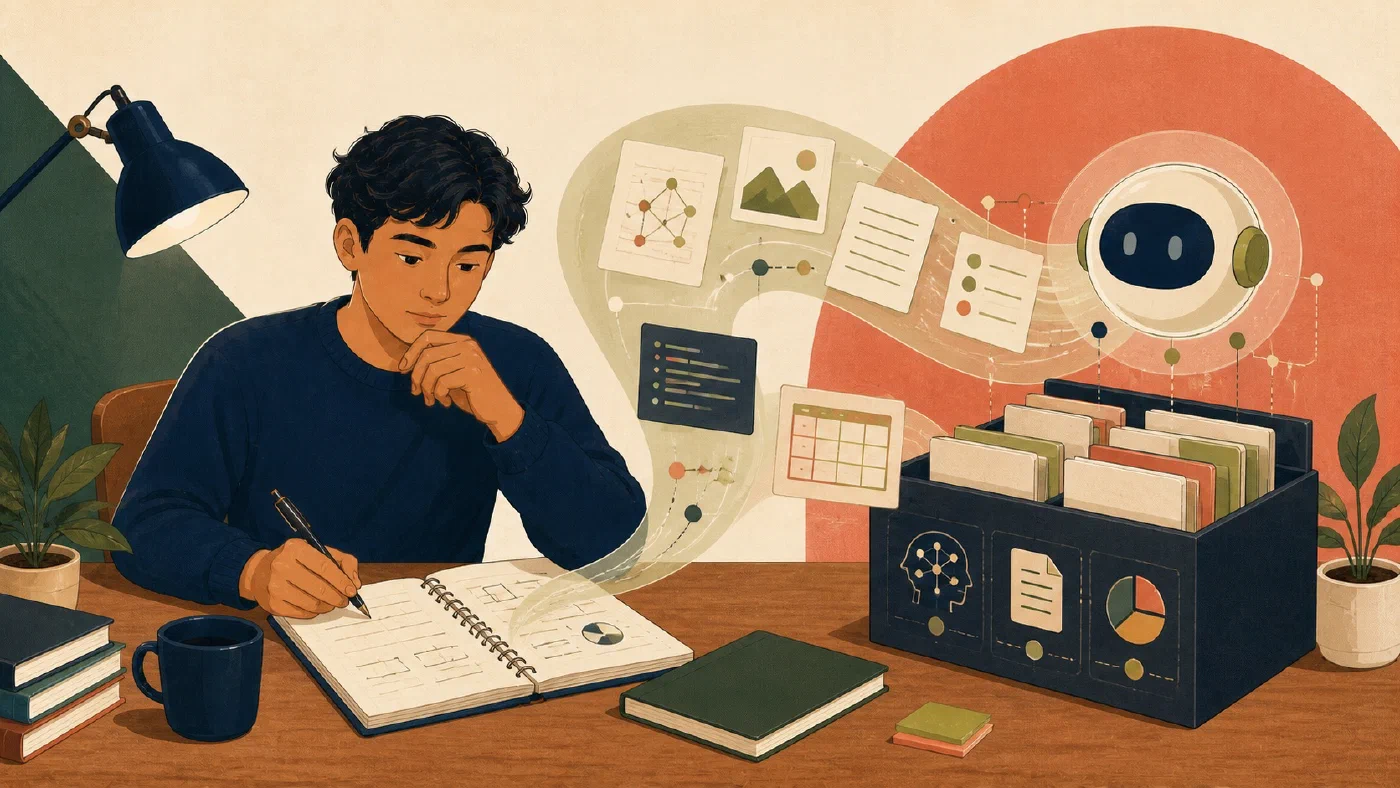
Use AI to propose knowledge-base maintenance, not to become the authority over your notes. Begin with a read-only inventory, protect the current state, define one narrow objective, review every proposed action, and verify the final diff, links, search results, and privacy boundary.
This workflow is for an established collection that has become difficult to maintain manually. It does not replace choosing what kind of note you are writing or completing a short weekly review.
Confirm that collection-level maintenance is needed
Ordinary filenames, folders, links, and search should remain the default. A larger maintenance pass may be justified when you can show repeated problems:
- several indexes omit current notes;
- the same concept has competing explanations;
- renamed files left broken links;
- active and inactive project material is mixed;
- tags or properties no longer follow their documented meanings; or
- useful notes cannot be found with ordinary search.
Write the observed problem. “My vault feels messy” is too broad. “The course index omits six notes created this month” can be checked.
Do not add semantic search merely because the collection is large. Introduce additional infrastructure only when simpler retrieval repeatedly fails and the expected benefit justifies indexing, privacy, maintenance, and evaluation work.
Set the privacy boundary before inventory
Classify material before giving any tool access:
- safe for the approved tool;
- local processing only;
- requires redaction or a synthetic substitute; or
- excluded from the maintenance pass.
Restricted course materials, student records, health information, credentials, unpublished research, and another person’s data may require exclusion. An external service’s convenience does not override course or institutional rules.
If an AI tool cannot honor the required boundary, perform the task manually or use an approved local process.
Build a read-only inventory
Start with facts about the collection:
# Knowledge-Base Inventory

Scope:
Excluded locations:
File count by type:
Indexes:
Broken or unresolved links:
Notes with no incoming index link:
Possible duplicate titles:
Old active-status markers:
Unusual filenames or locations:
Inventory findings are candidates, not conclusions. Two similar titles do not prove that the notes should merge. A note with no incoming link may still be found reliably through search.
Ask the AI system to report paths and reasons without editing files. Require it to separate:
- direct observations;
- inferred relationships;
- proposed actions; and
- uncertainty.
Protect the starting state
Before edits:
- confirm that important files are included in a usable backup or version checkpoint;
- run an appropriate status or inventory check;
- identify untracked, synchronized, generated, and external files; and
- define the rollback procedure.
Git’s git status reports working-tree
states, and git diff shows content
changes. Git protects only content it actually records. It is not a substitute
for a backup of the broader note system.
Ask for an action record
Write a short record titled Knowledge-base review — [date or scope]. For each
candidate path, use one paragraph to state what you observed, the smallest
proposed action, why it is justified, the risk, and the decision: add,
compare manually, review, or leave unchanged.
For example, one paragraph can explain that concepts/recursion.md is absent
from the CS index and should receive a link because it is an active course
concept. A separate paragraph can flag capture/recursion-old.md for manual
comparison because merging it could lose context. Do not fill in a Markdown
action table.
Useful action types include:
- add a link to an index;
- repair a verified broken path;
- normalize a filename under a documented convention;
- mark a note for manual comparison;
- move a confirmed inactive item to an archive; or
- leave it unchanged.
Do not let an AI system merge notes merely because their wording is similar. The student must decide which context, source attribution, uncertainty, and history remain necessary.
Maintain indexes for people first
A topic index should help a person answer:
- What is this area about?
- Which notes are the best entry points?
- Which material is active, foundational, or historical?
- Which questions remain unresolved?
Use a compact structure:
# Data Structures

## Start here
- [Arrays](arrays.md)
- [Linked lists](linked-lists.md)

## Course contexts
- [CS 201 index](../courses/cs-201/index.md)

## Active applications
- [Search benchmark project](../projects/search-benchmark.md)

## Open questions
- When does cache behavior change the expected comparison?

Last reviewed: 2026-07-26
This index can also provide compact context to an AI tool, but human navigation and accuracy remain the primary requirements.
Apply one bounded batch
Choose actions that share one objective, such as repairing links in one course index. Do not combine renaming the entire vault, merging notes, replacing tags, and changing templates.
After the tool proposes or applies the bounded batch:
- inspect every changed path;
- read the complete diff;
- open changed notes;
- follow each changed link;
- search for the old filename or term;
- confirm excluded material remained untouched;
- verify the intended retrieval outcome; and
- keep or roll back the batch.
An unchanged error message is not enough. Verify the actual reader task, such as finding three named concepts from the updated index.
Common mistakes
- Starting with a bulk rewrite instead of an inventory.
- Sending an entire private collection to an unapproved service.
- Treating similar wording as duplicate meaning.
- Adding semantic search before ordinary search has failed.
- Reviewing filenames but not note content and links.
- Assuming synchronization or Git covers every file.
- Accepting an AI-generated index without checking its claims.
Do this now
Start with one note folder and one permitted, non-sensitive maintenance task. Expand only after you can verify the first change and recover the source notes.
Select one non-sensitive folder with five to twenty notes. Build the inventory and action table. Approve no more than three low-risk actions with one objective. Apply them, inspect the diff, follow changed links, and test retrieval.
Log what you learned
Record only:
- Result: What did the action produce?
- Evidence: What observation, test, or source supports that result?
- Next action or unresolved question: What should happen next?