
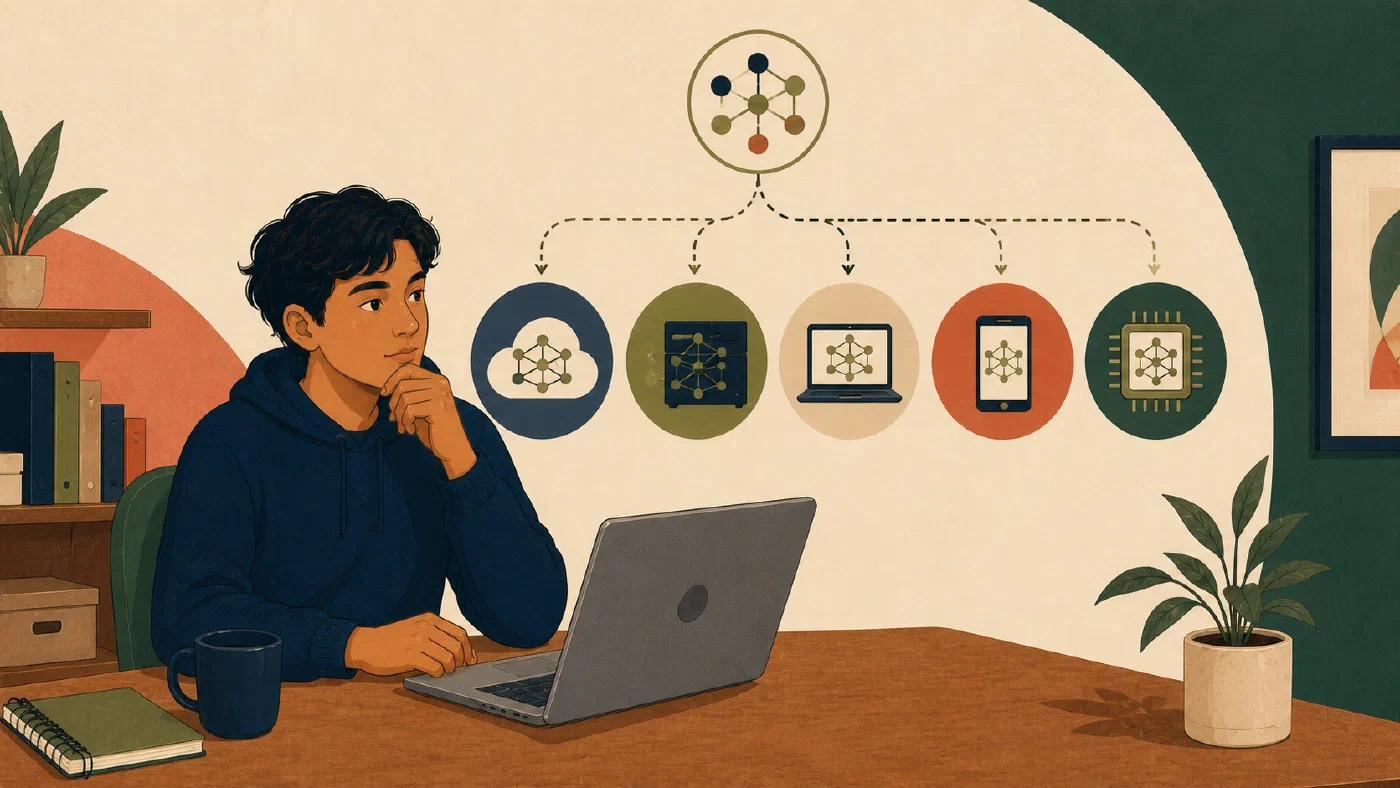
An AI agent is a software system that uses a model, instructions, context, and possibly tools to pursue a bounded task. Choose one by where the work and execution need to live. A local or host-attached agent can reach selected files and tools on your computer. A managed cloud agent can continue without your computer but requires permitted material to be available in its cloud environment or connected services. A messaging application may control either kind, so it does not tell you where the work runs.
When this article refers to a repository, it means a project boundary that may include files, version-control metadata, and project history. A repository is not automatically the same thing as an online storage folder or a backup. Review what Git tracks in a repository when that distinction affects your choice.
Do not begin with a product leaderboard. Map one task, choose the smallest surface that fits it, and run a bounded trial with synthetic or public material.
Map the task before the product
Answer five questions:
- Where are the source files and services?
- Where may processing and storage occur?
- Must work continue while your computer is off?
- Which actions and permissions does the task require?
- What can you inspect and export before accepting the result?
Use unknown when documentation or account access does not answer a question.
An unknown storage, permission, or export boundary is a stop condition for
private or assessed work.
Separate four locations
“Desktop,” “web,” “mobile,” and “messaging” describe interfaces. They do not necessarily describe execution.
| Location | What it means | Question to verify |
|---|---|---|
| Local computer | Files, applications, or commands are reached on your device | Must the app remain open, awake, online, or unlocked? |
| Remote host | Work runs on another computer you or an organization controls | Which host files, credentials, and policies apply? |
| Managed cloud environment | The provider runs the task in its infrastructure | Which files must be uploaded or connected, and where are results stored? |
| Connected service | The agent reaches another application through a connector or tool | Which account and permissions authorize each action? |
A task can use several locations. A remote session may run in the cloud while reaching local folders only through an open desktop application. A phone may send an instruction to a computer that performs the work.
Draw the path:
Instruction interface:
Source location:
Execution location:
Connected services:
Result location:
Host that must remain available:
Decide whether continuity matters
Cloud continuity is useful for a task that must keep running while your laptop is closed. It also changes the data and account boundary.
Host-attached work is useful when the source lives in local applications, folders, or authenticated tools. It also means the host may need to remain awake, online, and signed in.
Do not request unattended continuity merely because a product offers it. A ten-minute task that depends on local files may be clearer and safer while you are present.
Treat messaging as a control surface
A messaging integration can make an agent reachable from a phone. It does not establish that:
- execution occurs in the messaging service;
- the agent continues if a host computer stops;
- messages have the same permissions as the underlying agent;
- all task files are stored locally; or
- a chat transcript contains the complete action record.
Verify the execution host, identity binding, approval behavior, retained history, and result location separately.
Compare documented operational shapes
The following examples describe what the vendors document as of July 30, 2026. They are not independent tests or quality rankings. Availability can depend on plan, account, workspace policy, rollout, operating system, language, and region.
Codex: choose among local, cloud, and remote-host coding surfaces
OpenAI documents several Codex surfaces rather than one execution location:
- Codex CLI is for terminal and script-based work.
- The Codex IDE extension works beside the code and editor context.
- The ChatGPT desktop app supports local projects, files, worktrees, Git review, and long-running interactive work.
- Codex cloud delegates work to isolated cloud environments.
- Remote connections can steer work on a connected computer or SSH host. The connected host supplies its files, credentials, permissions, tools, and sandbox. Host-based remote access stops if the required host becomes unavailable.
For a local repository, start with the CLI, IDE, or desktop project when you need the repository’s actual dependencies and review tools. Consider cloud work only when the repository, setup, credentials, and policy fit an isolated hosted environment. Use remote control when the correct environment already exists on another trusted host.
Codex is a coding baseline here, not a general knowledge-work recommendation.
Claude Cowork: remote sessions with optional local reach
Anthropic says Claude Cowork runs remote sessions on its servers across desktop, web, and mobile. Those sessions can continue in the background and be resumed across devices.
The same documentation states an important exception: access from a remote session to local folders, local connectors, browser use, or computer use depends on the Claude Desktop app. A remote session can continue after the desktop app closes, but it then loses access to connected local files.
Anthropic’s Cowork product page describes read, edit, and create access in folders the user specifies and presents the desktop application as the surface that adds access to local folders and applications.
Use this shape when general knowledge work may combine remote continuity with selected local reach. Verify the plan, beta rollout, folder boundary, connector permissions, and what happens when the desktop host becomes unavailable.
MaxClaw: a managed cloud workspace reached through messaging
MiniMax describes MaxClaw as its managed cloud version of OpenClaw. Its official page describes:
- one-click hosted deployment rather than user-managed servers;
- a cloud workspace and long-term memory;
- web and mobile access;
- connections to Telegram, Discord, and Slack;
- scheduled and recurring tasks; and
- built-in tools and expert-agent workflows.
These are vendor descriptions, not verified performance results. The page does not establish that MaxClaw fits an institution’s data rules, that every feature is available in every region, or that a messaging channel provides sufficient review evidence.
Use this shape when permitted work should live in a managed cloud workspace and always-available messaging access is a real requirement. Confirm current plan, region, storage, retention, connector permissions, export, and account-recovery terms before a trial.
Tencent WorkBuddy: desktop work with experts and host-dependent remote control
Tencent’s WorkBuddy overview describes a desktop AI workspace that can read authorized computer folders and produce documents, spreadsheets, presentations, data analysis, and other files.
Its expert documentation distinguishes:
- a Skill as a tool capability;
- one Expert as a role with a domain method and tools; and
- an Expert Team as several roles whose leader divides, executes, and integrates work.
The documentation also says these expert labels are AI roles, not licensed professional services. Treat them as packaged methods to inspect, not authority to trust.
WorkBuddy’s Assistant documentation describes remote instructions through WeChat, WeCom, QQ, DingTalk, or Feishu. It also states that the computer must remain on with WorkBuddy running. This is remote control of a host-attached agent, not independent cloud continuity.
Use this shape when authorized local-folder work and packaged specialist roles fit the task. Confirm language, region, operating-system, account, integration, and permission requirements before installing or connecting it.
Compare the surfaces with a decision note
Do not fill in a Markdown table. For one surviving candidate, write a short
note with a title such as Agent-surface decision — [task]. Answer these
questions in short paragraphs:
- Where do the permitted source files and services live, and where does the agent execute? Must your computer or another host remain available?
- How will you submit the task, and what permissions will the agent receive?
- What specialized method, intermediate review, action history, or file review will you be able to inspect?
- How can you export the result and leave the service? What plan, region, language, or account conditions affect the choice?
- What course or institutional policy limits the task or the source material?
Use unknown when the documentation or your account does not answer a question.
If you compare several candidates, write one titled note for each instead of
creating a blank table. Keep only the evidence that could change the choice.
Reject a candidate when a hard requirement is no. Do not resolve an important
unknown by assuming the vendor’s broadest marketing description applies to
your account.
Choose specialization carefully
A prebuilt expert can help when its instructions, tools, and output structure fit a repeated task. It can also hide assumptions behind a confident role name.
Ask:
- What instructions or method define the role?
- Which tools and sources can it use?
- Which actions require approval?
- Can you inspect intermediate work and citations?
- Does another role review the result independently?
- What would cause you to reject or escalate the output?
An “accountant,” “legal expert,” “health coach,” or “research expert” label does not establish credentials, jurisdiction, accuracy, or accountability. High- stakes decisions require qualified people and authoritative sources.
Run a bounded documentation-first trial
Use a synthetic student-organization task:
Turn a fictional folder of meeting notes and a public event brief into a planning packet containing decisions, owners, deadlines, unanswered questions, and source links.
Before opening a product, write:
Permitted synthetic or public sources:
Expected deliverables:
Execution and storage allowed:
Maximum permissions:
Actions requiring confirmation:
Evidence to inspect:
Export format:
Time limit:
Stop conditions:
Test one surface, not all products. Record:
- the official documentation checked;
- the actual plan, account, device, and region;
- permissions requested;
- files and services reached;
- whether the host had to remain available;
- action history and generated files;
- unsupported or incorrect output;
- export result; and
- the decision to reject, revise, or continue.
This article did not run those product trials. The decision note tells you what to verify; it does not claim that the documented behavior occurred in an independent test.
Common mistakes
- Choosing by benchmark, popularity, or the number of named features.
- Treating desktop, web, mobile, or messaging as the execution location.
- Assuming a remote session retains local access after its host closes.
- Granting broad folder or service access for a small comparison.
- Treating a vendor’s expert role as professional qualification.
- Comparing polished outputs without comparing source access and permissions.
- Ignoring plan, region, workspace, language, and operating-system limits.
- Testing on private student records or restricted course material.
- Adopting before checking export and disconnection.
Do this now
Choose one low-risk task and complete only the five-question map. Stop if the required execution location, data location, authority, continuity, or interface is unresolved. Keep only surviving candidates in the comparison notes. Evaluate specialization only when the task requires it, select one candidate, and define a time-boxed trial only after selection.
After the trial, use the AI-tool learning audit to decide whether to deepen, operate, monitor, or ignore the selected product.
Log what you learned
The five-question map, surviving-candidate notes, and any later trial record form the learning log. Stop at the last completed stage and save its evidence, decision, and unresolved condition.