
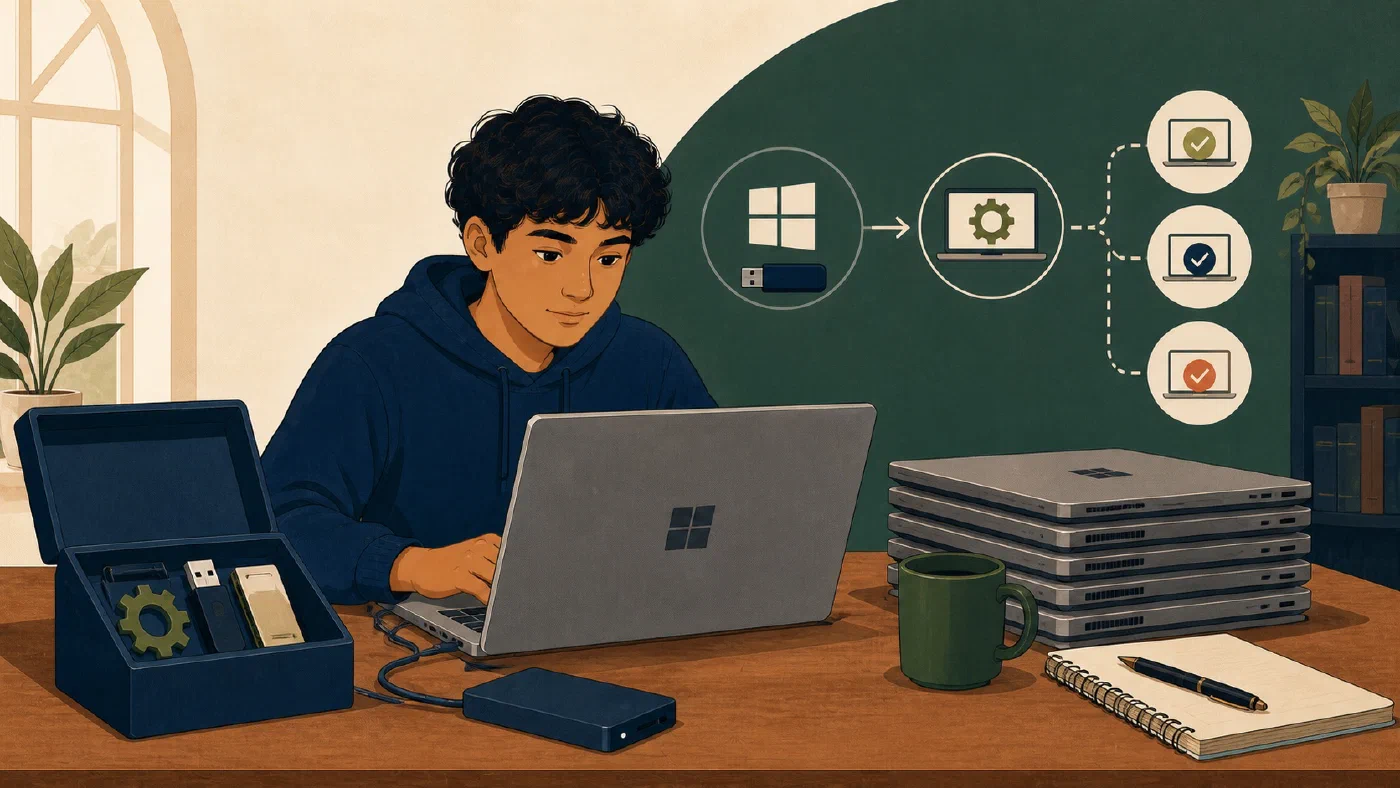
A reproducible Windows setup is not a screenshot of installed applications. It is a tested set of source artifacts that explains what the student needs, how to establish it, and how to verify the result.
Create a versioned repository containing package IDs, an inspected WinGet export or configuration, small setup steps, secret-free examples, and a verification script. Begin with current course requirements, not every application installed over the computer’s lifetime.
Define the target environment
Record:
Windows edition and version:
Device ownership and management:
Native Windows or WSL boundary:
Current courses and projects:
Required applications and runtimes:
Required versions:
Files and settings that must remain private:
Evidence of success:
If the device is institution-managed, obtain approval before applying package or configuration automation. Organizational policy may install, block, or configure software independently.
Create a small repository
student-environment/
├── README.md
├── packages.json
├── setup.ps1
├── verify.ps1
├── powershell/
│   └── profile.ps1
├── git/
│   └── .gitconfig.example
└── docs/
    ├── recovery-windows.md
    └── new-machine-checklist.md
Use only files your setup actually needs. An empty placeholder tree is not reproducibility.
The README should state:
- supported Windows edition and version;
- prerequisites and management limits;
- order of operations;
- expected elevation;
- package and configuration sources;
- where secrets belong;
- verification commands; and
- rollback or recovery notes.
Record exact WinGet identities
For each package, record:
Purpose:
Package ID:
Source:
Required version or acceptable range:
Install scope:
Course requiring it:
Verification:
Package display names are ambiguous. Inspect the exact identifier, publisher, version, and source before recording it.
Microsoft documents winget export and winget import as a way to save and
install a package list in batch. See the official WinGet
export
and import
references.
An export is an inventory source, not a complete machine image. It may omit unrecognized applications and does not preserve every application setting, license, project file, or exact historical installer.
Inspect packages.json. Remove unrelated software and document warnings rather
than silently ignoring them.
Choose export/import or configuration deliberately
For a small list, a reviewed package manifest plus documented install commands may be enough.
Microsoft’s current winget configure
documentation
describes configuration files that can declare packages and system settings.
It also warns users to review a configuration and verify its resources before
running it.
Use increasing levels only when needed:
- manual documented commands;
- exact recorded package IDs;
- export/import for package lists;
- PowerShell setup and verification;
- WinGet configuration for a reviewed desired state.
Do not move upward merely because more automation appears professional.
Make setup steps safe to repeat
A setup script should inspect before changing and handle existing state:
# Outline only: verify each command for the active environment.
# 1. Check prerequisite and current state.
# 2. Report the intended change.
# 3. Apply the smallest required change.
# 4. Verify the resulting state.
Prefer idempotent behavior: a second run should confirm completed work rather than duplicate entries or corrupt configuration.
Do not embed:
- passwords or recovery keys;
- API tokens;
- private SSH keys;
- institutional identifiers;
- licensed installers; or
- machine-specific personal paths.
Commit an example such as .gitconfig.example, then document how the student
provides private values locally.
Separate native Windows and WSL
If a project uses WSL, record separately:
- Windows packages;
- distribution and version;
- Linux packages;
- which filesystem owns the project;
- editor integration;
- language runtime location; and
- verification inside the correct environment.
A Windows WinGet list does not reconstruct packages installed inside a Linux distribution. Avoid one script that silently mixes both package managers.
Verify outcomes, not installation messages
verify.ps1 should check the required state without changing it:
- commands resolve;
- versions match course constraints;
- Git identity examples are completed locally;
- project directories exist where documented;
- a sample project builds or runs;
- tests pass; and
- no secret is printed.
Example verification record:
Git: command found; version recorded
Python: required major/minor found
Editor: installed; extension list reviewed separately
Practice project: cloned to a new folder; tests pass
Result: two requirements pass; one missing environment variable documented
Do not claim the setup is reproducible because a script exits successfully on the original machine. Test documentation on a safe alternate directory, a disposable project, or an authorized spare environment.
Review the repository
- [ ] Every package has a current requirement
- [ ] Exact package IDs and sources are recorded
- [ ] Export or configuration contents were inspected
- [ ] Manual settings are documented
- [ ] Native Windows and WSL state are separated
- [ ] Setup handles existing state
- [ ] Verification is read-only
- [ ] Secrets and private data are absent
- [ ] Managed-device limits are recorded
- [ ] Recovery documentation is reachable separately
Common mistakes
- Exporting every installed application. Keep the target environment focused.
- Treating export as backup. Preserve files, settings, repositories, and recovery separately.
- Running an unreviewed configuration. Inspect resources and actions.
- Embedding secrets. Use approved credential storage.
- Mixing Windows and WSL state. Document each environment.
- Testing only on the original setup. Rehearse in safe alternate state.
- Automating institution-managed settings. Follow IT policy.
Do this now
Start with one required toolchain and one clean or disposable restoration target. Add other tools only after the first setup can be reproduced and verified.
Create the repository and document one course toolchain. Record exact IDs, write read-only verification, and test one project from a new directory.
Log what you learned
Record only:
- Result: What did the action produce?
- Evidence: What observation, test, or source supports that result?
- Next action or unresolved question: What should happen next?
Next, use these artifacts to rehearse rebuilding a student Windows PC without resetting the current device.