
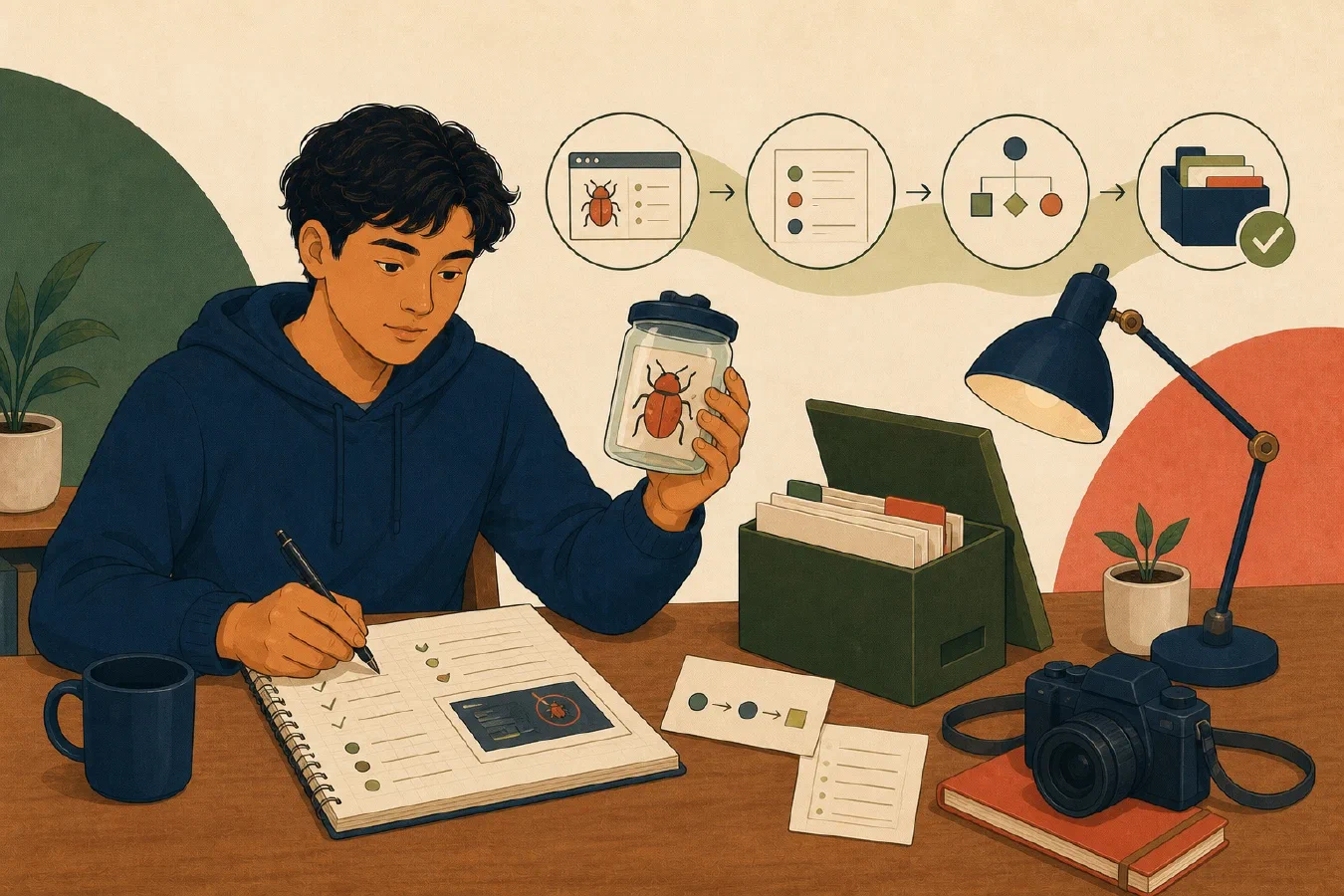
A useful bug report lets another person reproduce the failure or understand why they cannot. Include the environment, exact steps, expected and actual behavior, complete errors, and the smallest safe example that still fails.
Write a specific title
Use observable behavior:
CSV summary rejects a valid header containing spaces
Avoid “program broken” or a diagnosis you have not established.
Record the environment
Include only relevant facts:
- operating system and version;
- application, runtime, or library versions;
- installation method;
- current directory or repository commit;
- configuration that changes behavior; and
- hardware only when plausibly relevant.
Use commands or application information screens rather than memory. Redact usernames, device names, tokens, internal URLs, and private paths.
Give exact reproduction steps
Number the steps from a known starting state:
1. Check out commit [identifier] in a clean practice clone.
2. Create `sample.csv` with the supplied synthetic content.
3. Run `[exact command]` from the repository root.
4. Observe the error before output is created.
Say whether the failure occurs every time. If intermittent, report attempts, successes, timing, and conditions.
Separate expected and actual behavior
Expected behavior should come from a specification, documentation, test, or authorized requirement:
Expected: The documented header is accepted and one summary row is written.
Actual: The program exits with status 1 and reports “missing score column.”
Do not substitute “it should work.”
Preserve the complete error
Copy the complete relevant stack trace or error text as text when possible. Include the command that produced it. Do not crop away the first or last line merely to make the report shorter.
Before sharing, inspect errors for secrets, access tokens, private records, database strings, student identifiers, and internal paths. Replace sensitive data only if the redacted example still reproduces the problem.
Reduce to a minimal example
Remove unrelated files, inputs, and dependencies one at a time. Rerun after each reduction. Supply:
- the smallest input that fails;
- the smallest code or configuration needed;
- the command;
- expected output; and
- observed output.
Never post a private repository or full course solution when a five-line synthetic example is sufficient. Follow course collaboration policy before asking a classmate or AI tool.
Use a bug-report template
# Bug: Specific observable failure

## Summary
## Environment
## Starting state
## Reproduction steps
## Minimal safe example
## Expected behavior
## Actual behavior
## Complete redacted error
## Frequency
## Experiments already run
## Privacy or policy constraints
## Attachments and verification
Reproduce from the report
Put the original aside and follow only the written report in a clean, safe context. If you cannot reproduce it, the report is missing state or the problem is environment-dependent. Ask another authorized person to try when appropriate.
An AI response based on the report is still a hypothesis. Run proposed checks and verify any fix.
Common mistakes
- Reporting an assumed cause as fact.
- Omitting versions and starting directory.
- Paraphrasing the error.
- Including a whole private project.
- Editing the minimal example until it no longer fails.
- Saying “always” after one observation.
Do this now
Create a deliberate failure in a disposable program. Complete the template, close your notes, and reproduce the failure using only the report.
For a complicated failure, use the guided chatbot workflow to collect environment, steps, expected behavior, observations, and evidence one field at a time. Verify the report by reproducing the failure independently.
Log what you learned
The bug report is the learning log. Add reproduction and reduction results only after the checks run, then save the redactions and next diagnostic step. Next, present this kind of evidence in a small portfolio with depth.